Appearance
Feature Examples
The examples below are rendered from OpenCascade.js output via npm run docs:examples.
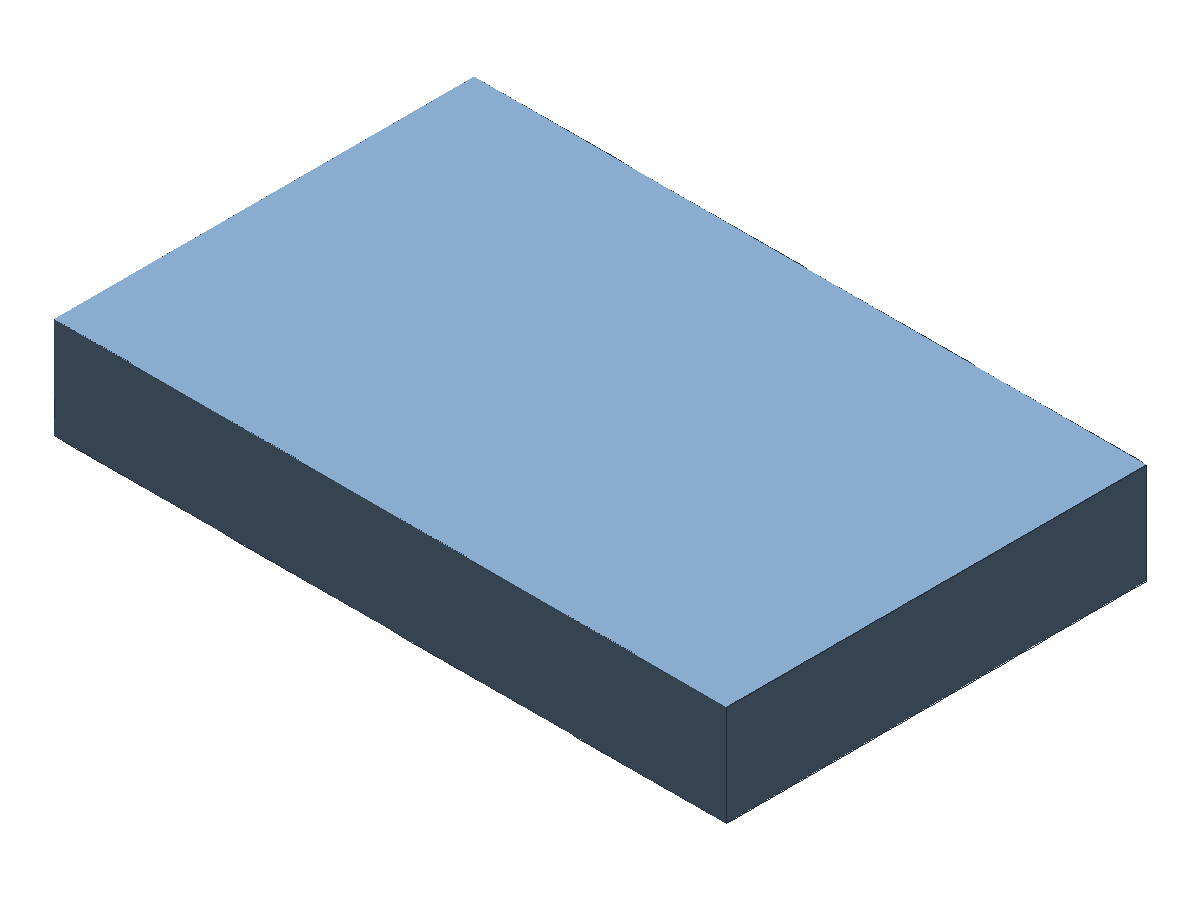
Extrude
ts
const examplePart = part("example-extrude", [
  extrude("base", profileRect(80, 50), 12, "body:main"),
]);
Notes:
- Default output is
body:*(modesolid). - Use
extrude(..., { mode: "surface" })to extrude a wire/profile into a surface output (kind: "surface").
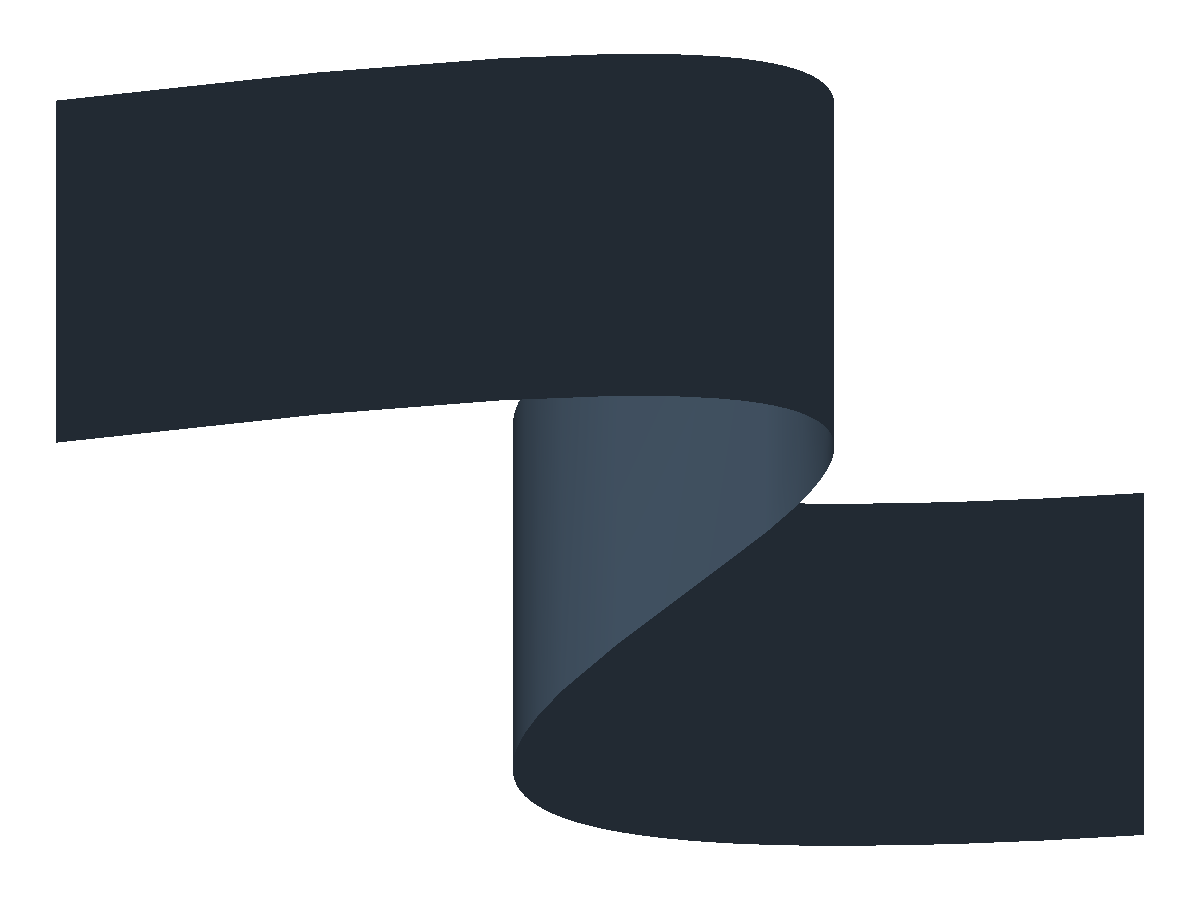
Extrude (Surface)
ts
const spline = sketchSpline("spline-1", [
  [-30, -12],
  [-10, 18],
  [8, -6],
  [30, 16],
]);
const sketch = sketch2d(
  "sketch-extrude-surface",
  [{ name: "profile:open", profile: profileSketchLoop(["spline-1"], { open: true }) }],
  { entities: [spline] }
);

const examplePart = part("example-extrude-surface", [
  sketch,
  extrude("surface-extrude", profileRef("profile:open"), 18, "surface:wall", undefined, {
    mode: "surface",
  }),
]);
Notes:
- Open sketch profiles extrude into sheet bodies when
mode: "surface"is selected. - Curved inputs such as splines preserve their curvature across the extrusion direction, producing a waved sheet instead of a flat wall.
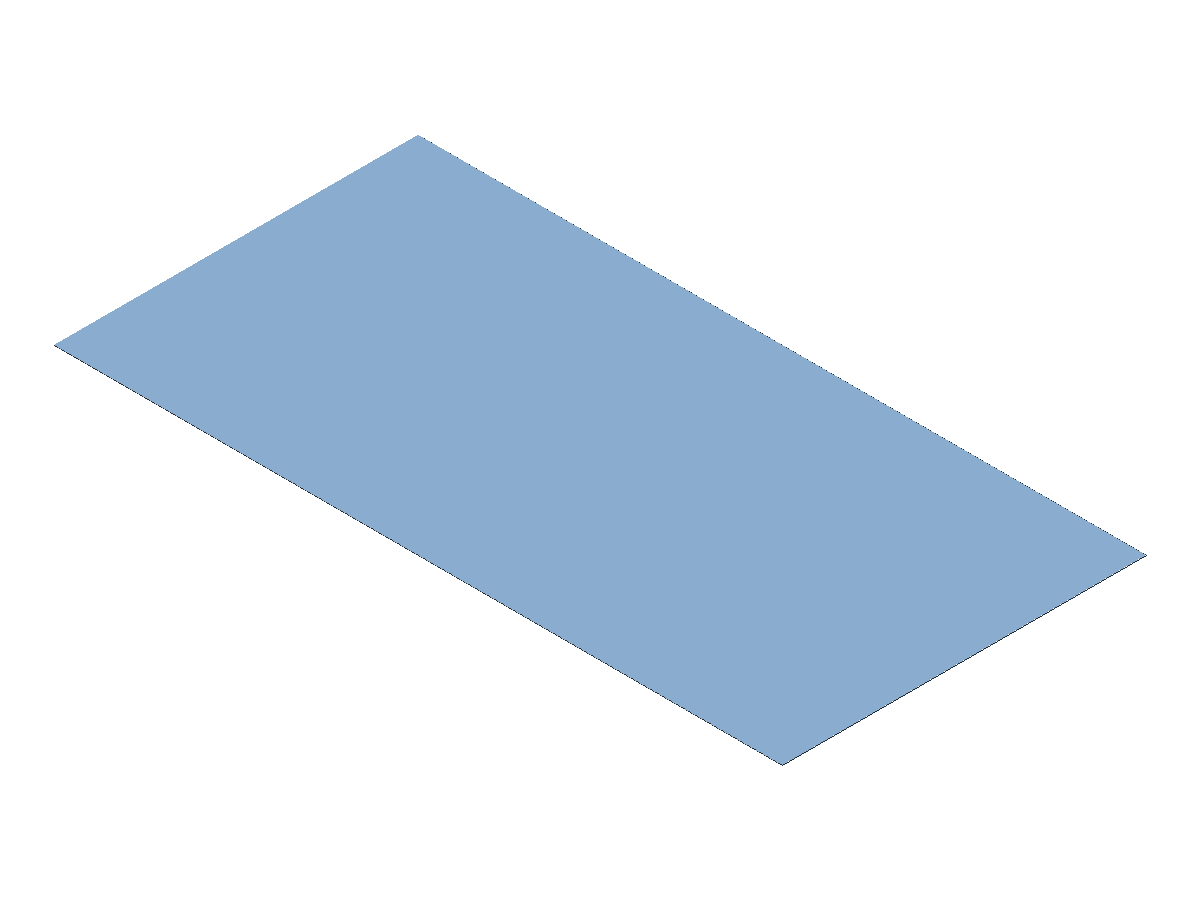
Surface
ts
const rect = sketchRectCorner("rect-1", [0, 0], 40, 20);
const sketch = sketch2d(
  "sketch-face",
  [{ name: "profile:rect", profile: profileSketchLoop(["rect-1"]) }],
  { entities: [rect] }
);

const examplePart = part("example-surface", [
  sketch,
  surface("face-1", profileRef("profile:rect"), "surface:main"),
]);
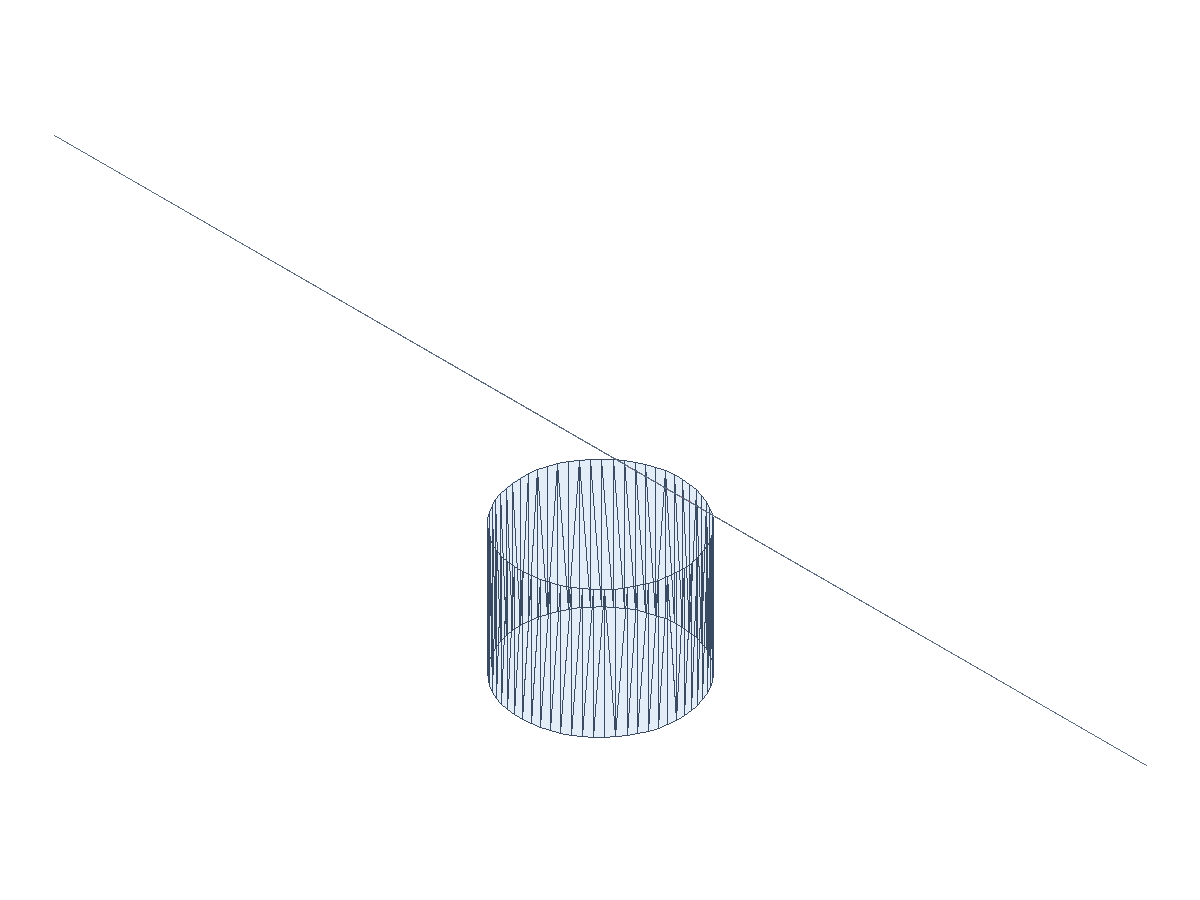
Curve Intersect (Staging)
ts
const line = sketchLine("line-1", [10, 0], [10, 16]);
const sketch = sketch2d(
  "sketch-curve-intersect",
  [{ name: "profile:wall", profile: profileSketchLoop(["line-1"], { open: true }) }],
  { plane: planeDatum("sketch-plane"), entities: [line] }
);

const examplePart = part("example-curve-intersect", [
  datumPlane("sketch-plane", "+Y"),
  sketch,
  revolve(
    "surface-revolve",
    profileRef("profile:wall"),
    "+Z",
    "full",
    "surface:cylinder",
    { mode: "surface" }
  ),
  datumPlane("cut-plane", axisVector([0, 1, 1]), [0, 0, 8]),
  plane("cut-face", 80, 80, "surface:cut", {
    plane: planeDatum("cut-plane"),
    deps: ["cut-plane"],
  }),
  curveIntersect(
    "curve-intersect-1",
    selectorNamed("surface:cylinder"),
    selectorNamed("surface:cut"),
    "curve:main"
  ),
]);
Notes:
- Returns a curve output (
kind: "edge"), intended as a stable semantic input for downstream surfacing. - Current v1 scope is the deterministic section-curve subset and is staged while broader intersection coverage hardens.
Revolve
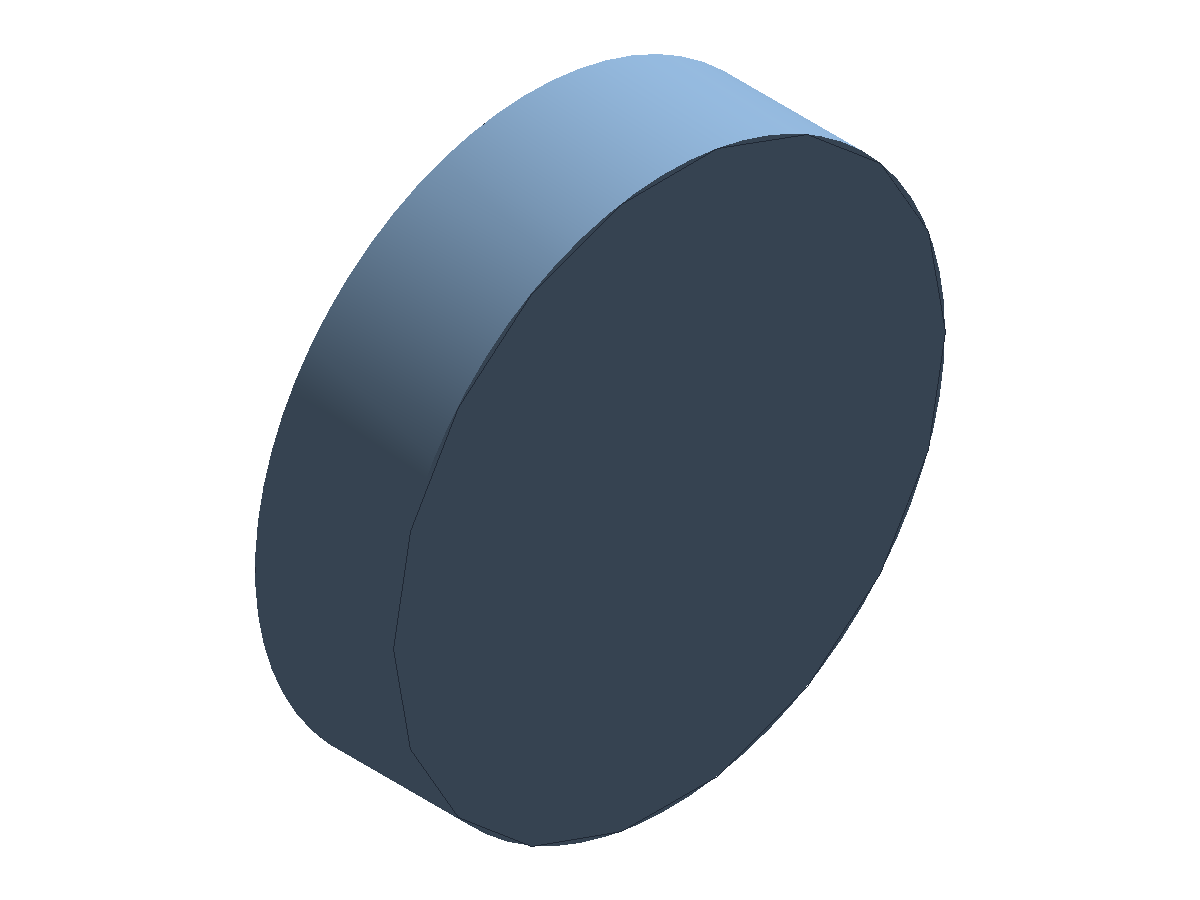
ts
const examplePart = part("example-revolve", [
  revolve(
    "ring-revolve",
    profileRect(3, 6, [1.5, 3, 0]),
    "+X",
    "full",
    "body:main"
  ),
]);
Notes:
- Use
revolve(..., { mode: "surface" })to revolve a wire/profile into a surface output (kind: "surface").
Loft
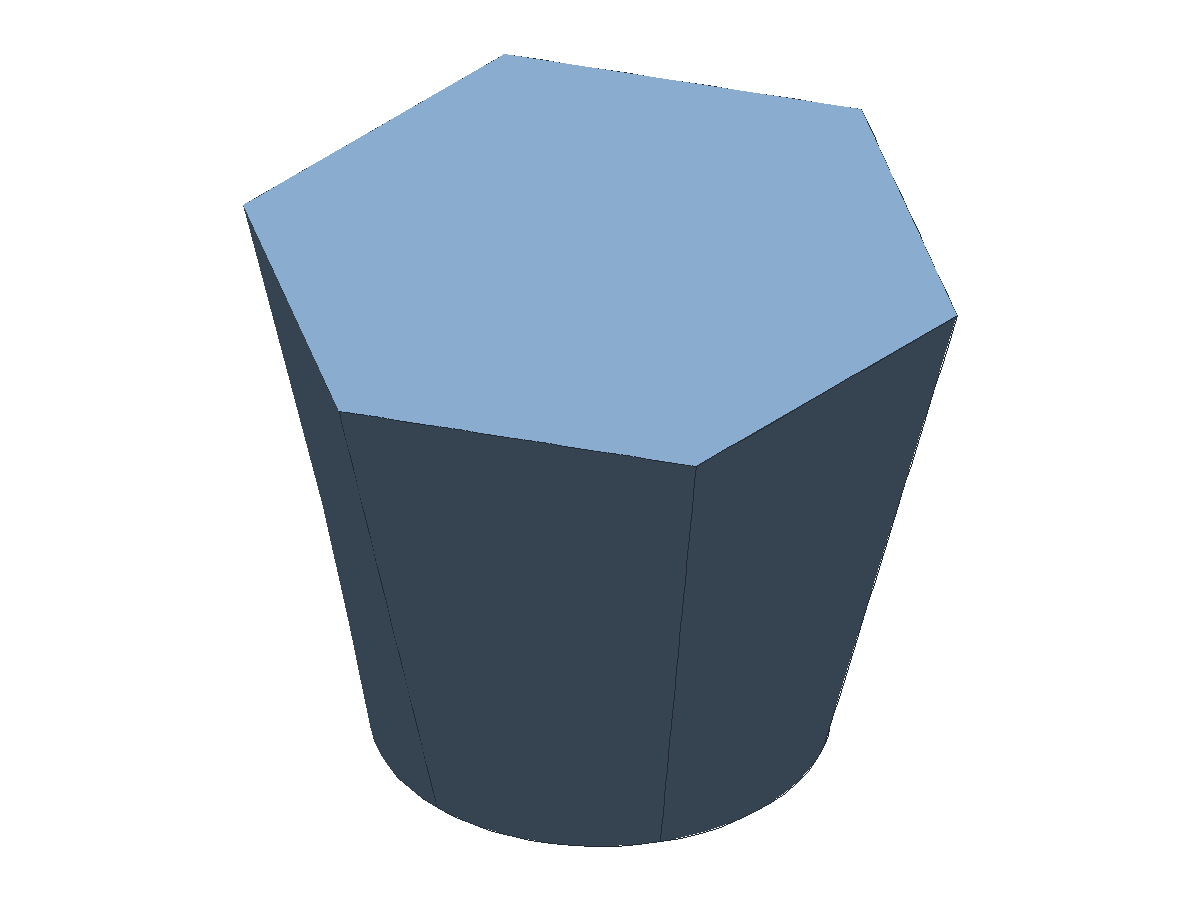
ts
const examplePart = part("example-loft", [
  loft(
    "loft-1",
    [
      profileCircle(10, [0, 0, 0]),
      profilePoly(6, 16, [0, 0, 24], Math.PI / 6),
    ],
    "body:main"
  ),
]);
Notes:
- Loft supports 2+ profiles.
- If either profile is an open sketch (e.g.,
profileSketchLoop(..., { open: true })), the loft outputs a surface (kindsurface) instead of a solid. - Use
loft(..., { mode: "surface" })to force a surface even when profiles are closed.
Sweep
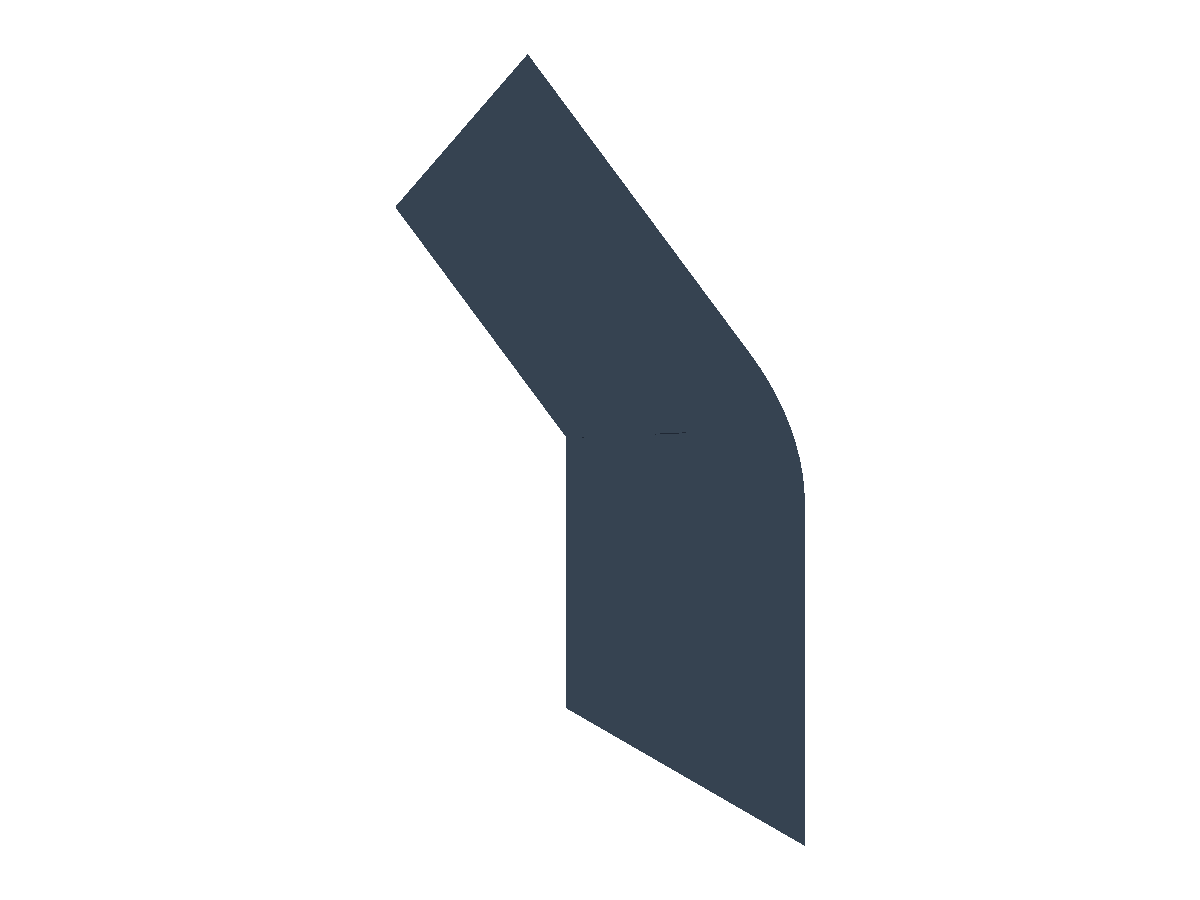
ts
const line = sketchLine("line-1", [-8, 0], [8, 0]);
const sketch = sketch2d(
  "sketch-sweep",
  [
    {
      name: "profile:line",
      profile: profileSketchLoop(["line-1"], { open: true }),
    },
  ],
  { entities: [line] }
);
const path = pathPolyline([
  [0, 0, 0],
  [0, 0, 20],
  [15, 0, 30],
]);

const examplePart = part("example-sweep", [
  sketch,
  sweep("sweep-1", profileRef("profile:line"), path, "surface:main", undefined, {
    mode: "surface",
  }),
]);
Notes:
- Default output is
body:*when the profile is closed; open profiles output a surface. - The sweep profile should be positioned at the path start and lie in a plane perpendicular to the path tangent at that start point.
- Use
{ orientation: "frenet" }to follow the path Frenet frame; the default is a fixed frame. If you provideframe, orientation is fixed to that frame.
Sweep (Arbitrary Sketch)
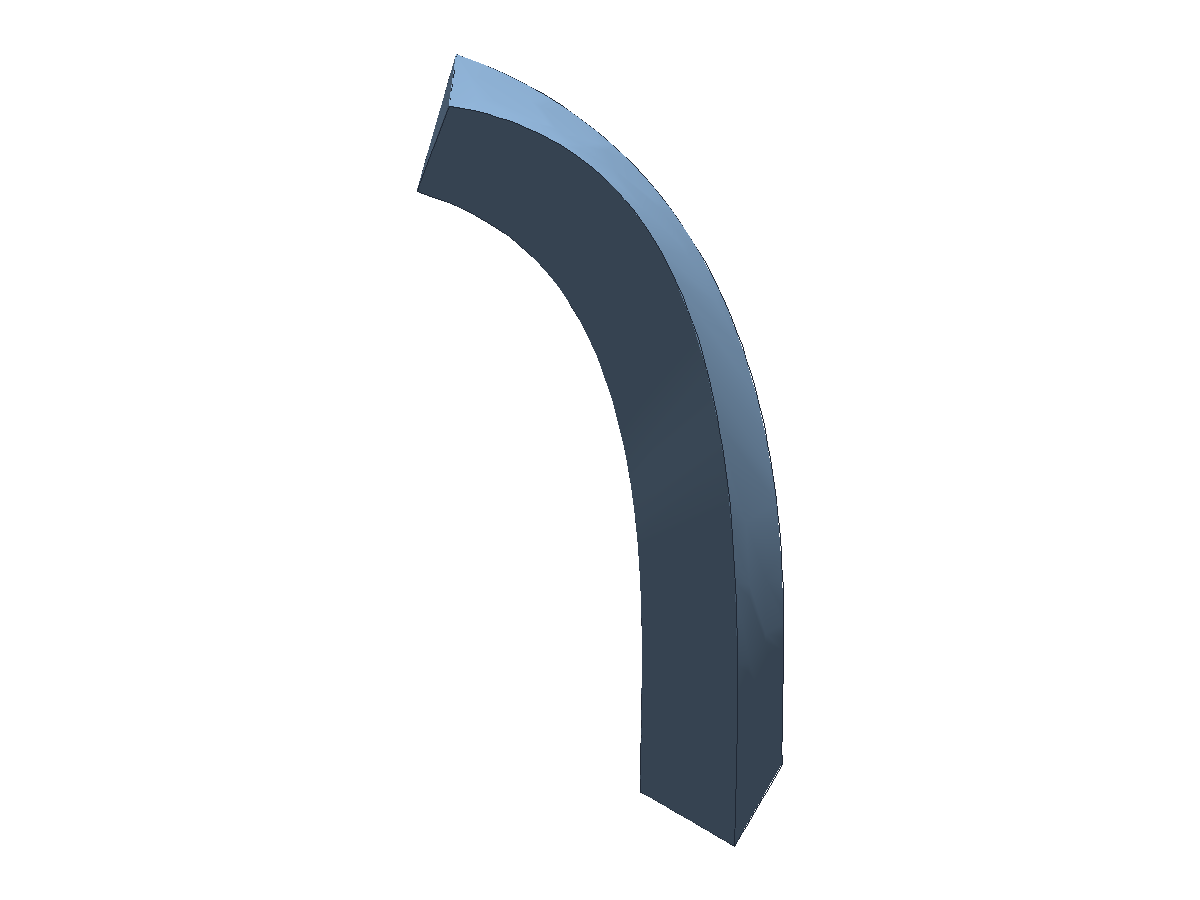
ts
const l1 = sketchLine("line-1", [-5, -4], [5, -4]);
const l2 = sketchLine("line-2", [5, -4], [0, 6]);
const l3 = sketchLine("line-3", [0, 6], [-5, -4]);
const sketch = sketch2d(
  "sketch-sweep-profile",
  [{ name: "profile:loop", profile: profileSketchLoop(["line-1", "line-2", "line-3"]) }],
  { entities: [l1, l2, l3] }
);
const path = pathSpline(
  [
    [0, 0, 0],
    [0, 0, 20],
    [14, 8, 34],
    [30, 0, 48],
  ],
  { degree: 3 }
);

const examplePart = part("example-sweep-sketch", [
  sketch,
  sweep("sweep-sketch-1", profileRef("profile:loop"), path, "body:main", undefined, {
    orientation: "frenet",
  }),
]);
Pipe
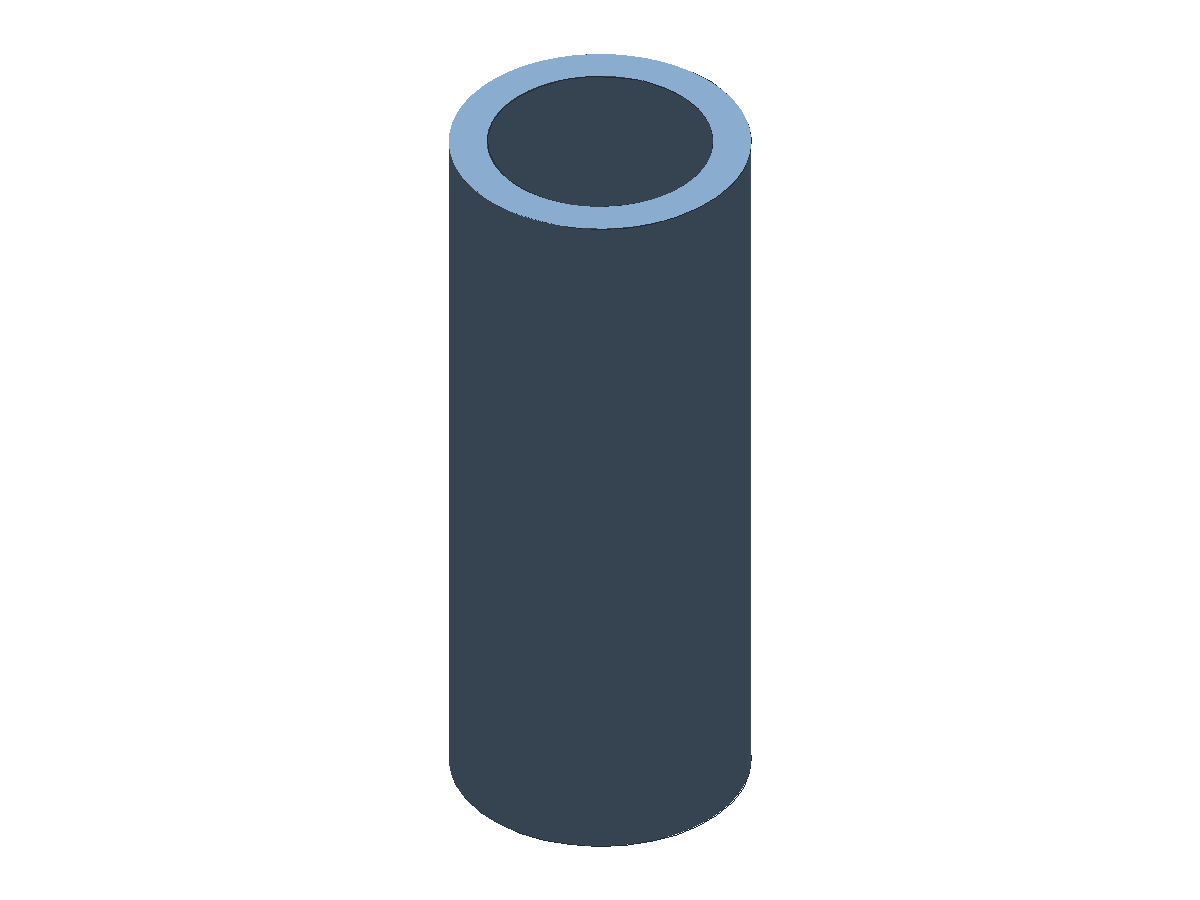
ts
const examplePart = part("example-pipe", [
  pipe("pipe-1", "+Z", 60, 24, 18, "body:main"),
]);
Notes:
pipecreates a straight cylindrical pipe/tube primitive on a cardinal axis.- Use
opts.originto place the primitive at an explicit origin.
Helix Path
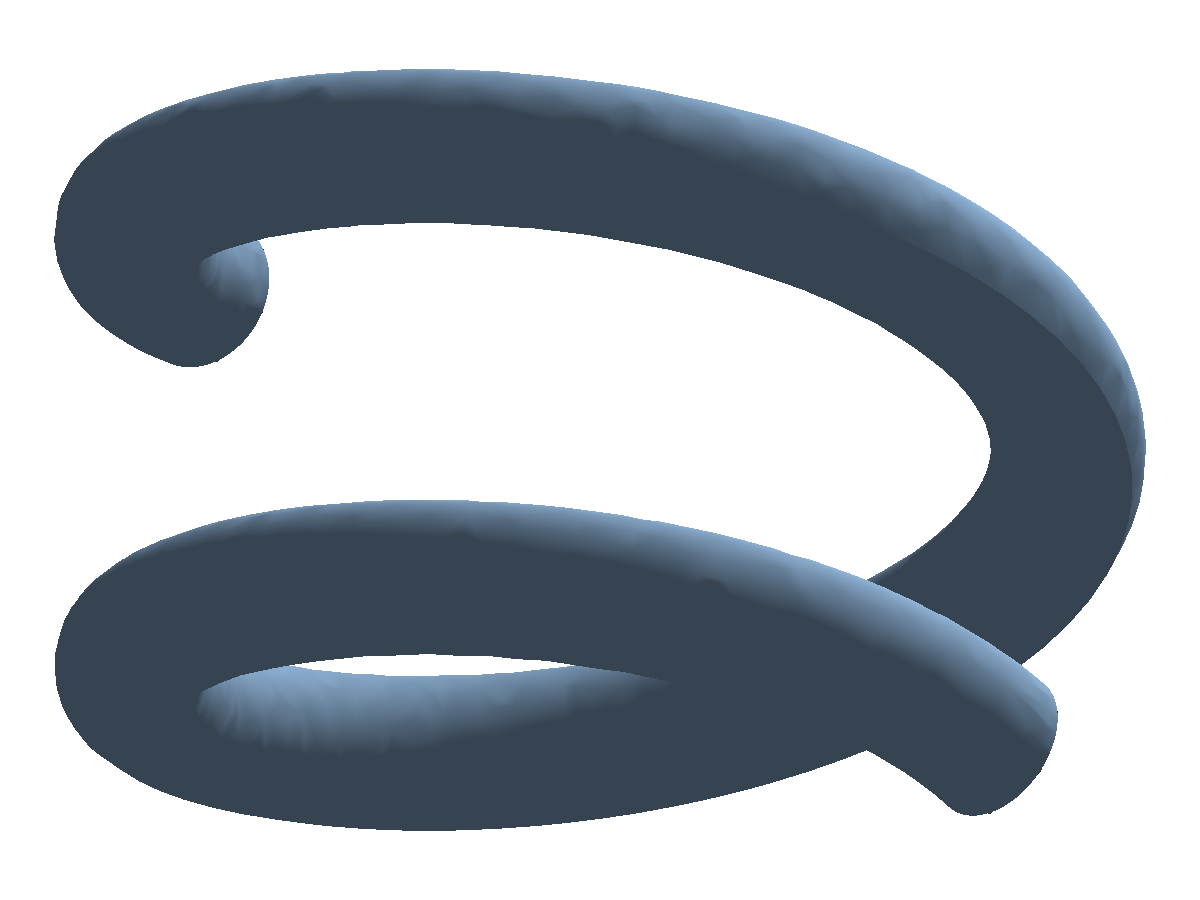
ts
const examplePart = part("example-path-helix", [
  pipeSweep(
    "helix-pipe",
    pathHelix({
      origin: [0, 0, 0],
      axis: [0, 0, 1],
      radius: 12,
      pitch: 12,
      turns: 1.5,
      segmentsPerTurn: 24,
    }),
    4,
    undefined,
    "body:main"
  ),
]);
Notes:
pathHelix(...)creates a reusable 3D curve path with explicit radius, pitch, and extent.- Specify either
turnsorlength. - The current implementation lowers the helix to a deterministic sampled spline for backend execution.
Spiral Path
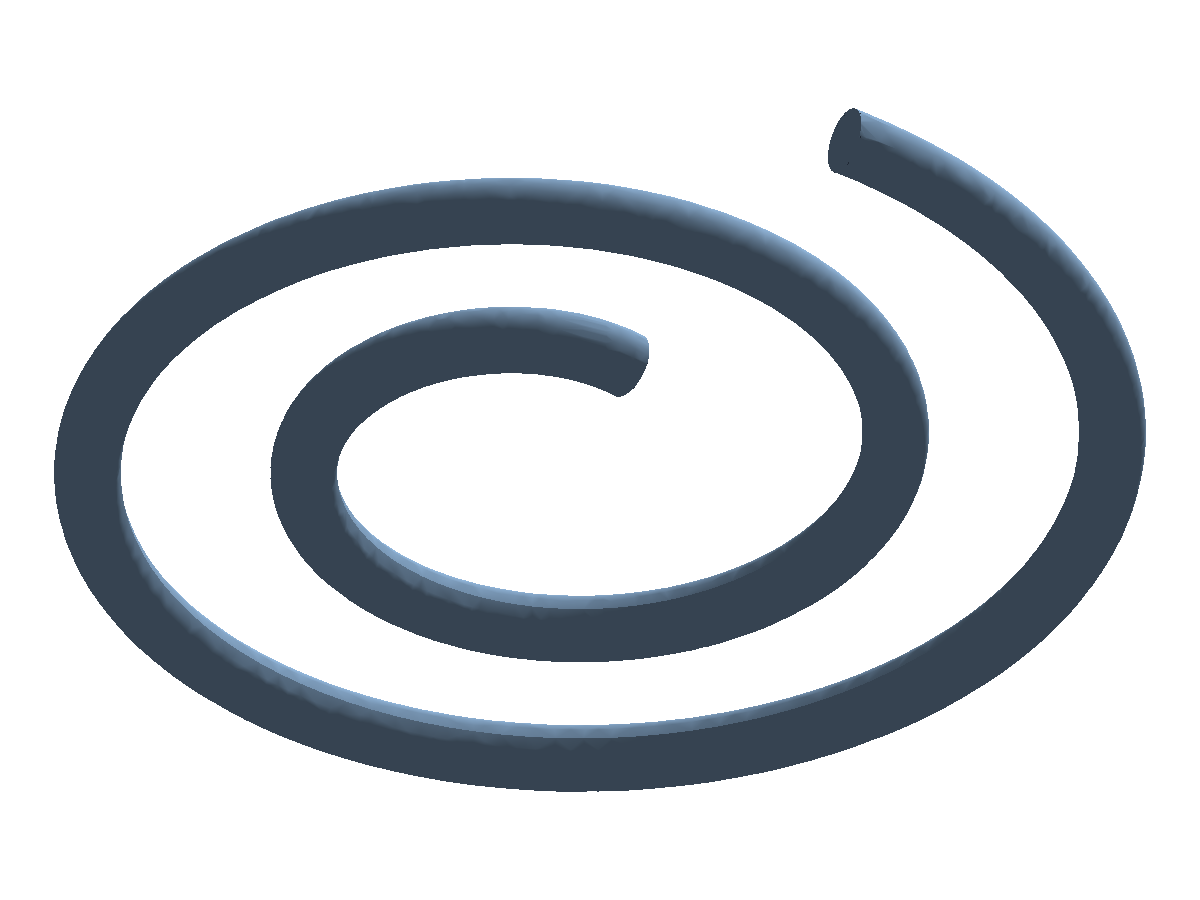
ts
const examplePart = part("example-path-spiral", [
  pipeSweep(
    "spiral-pipe",
    pathSpiral({
      origin: [0, 0, 0],
      normal: [0, 0, 1],
      startRadius: 10,
      endRadius: 36,
      turns: 2,
      segmentsPerTurn: 60,
    }),
    4,
    undefined,
    "body:main"
  ),
]);
Notes:
pathSpiral(...)creates a planar spiral aroundoriginandnormal.startRadiusandendRadiusdefine the radial interpolation across the requested number of turns.- The optional
xDirhint can be used later when you need a specific in-plane start direction.
Sweeping Tube Profiles (Consolidated)
ts
const path = pathPolyline([
  [0, 0, 0],
  [0, 0, 24],
  [20, 0, 36],
]);

const examplePart = part("example-tube-sweep", [
  sweep(
    "tube-sweep-1",
    profileCircle(9),
    path,
    "body:main"
  ),
]);
Notes:
- Prefer
sweep+ explicit profile (profileCircle,profilePoly, sketch profile) as the main path-sweep pattern. pipeSweepremains available as a compatibility helper.- Prefer arbitrary sketch profile sweeps over
hexTubeSweepin docs and gallery examples.
Shell
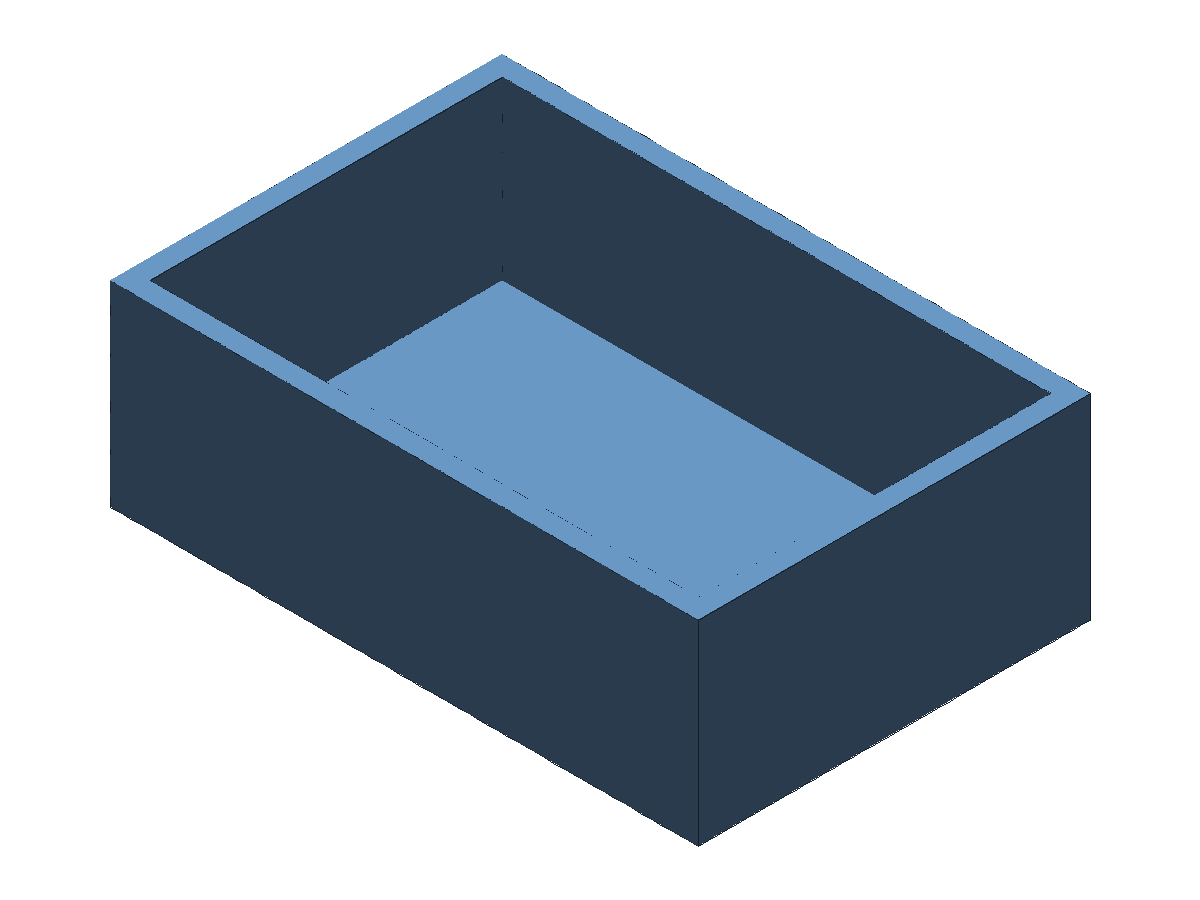
ts
const topFace = selectorFace(
  [predCreatedBy("base"), predPlanar(), predNormal("+Z")],
  [rankMaxArea()]
);

const examplePart = part("example-shell", [
  extrude("base", profileRect(60, 40), 20, "body:base"),
  shell("shell-1", selectorNamed("body:base"), 2, "body:main", undefined, {
    direction: "inside",
    openFaces: [topFace],
  }),
]);
Notes:
shelloffsets a solid inward or outward and can remove faces to create openings.
Mirror
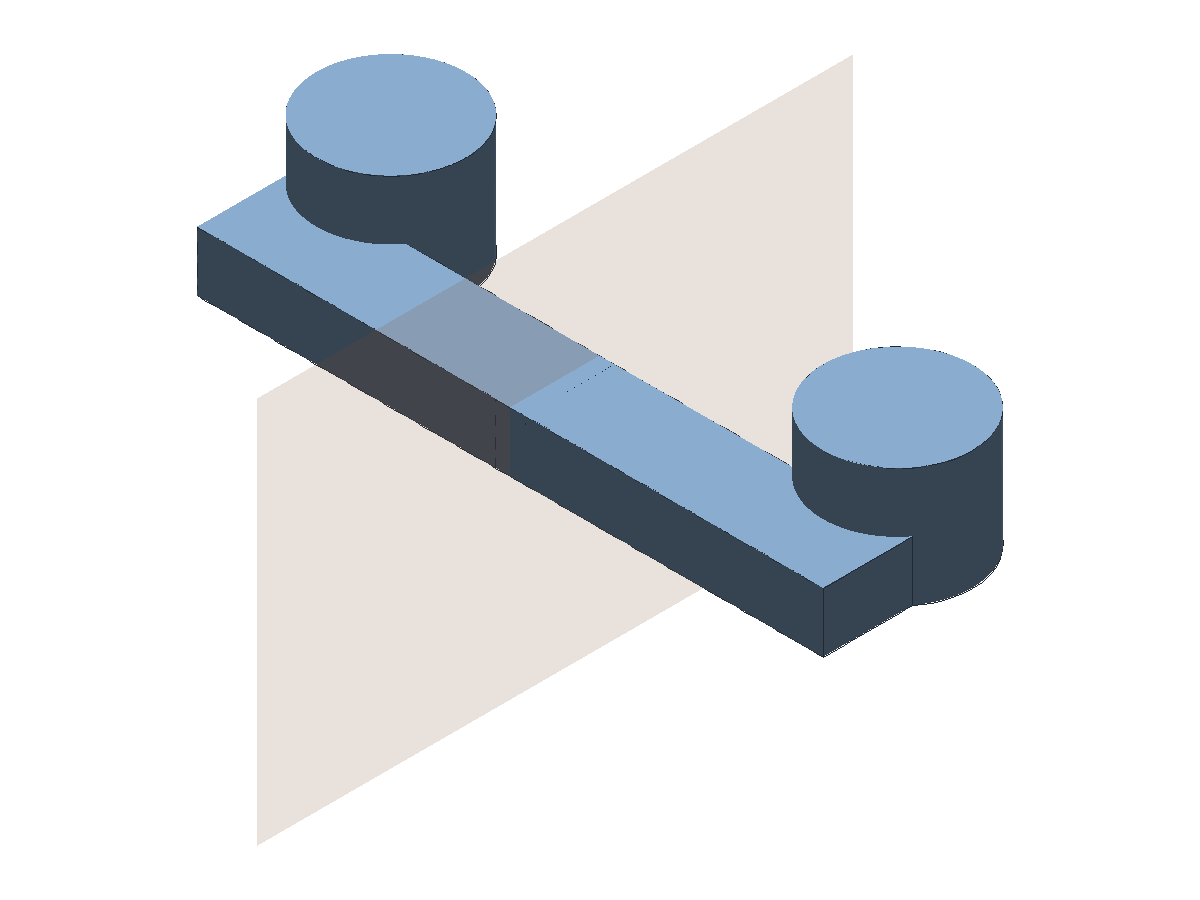
ts
const examplePart = part("example-mirror", [
  datumPlane("mirror-plane", "+X"),
  plane("mirror-plane-surface", 80, 52, "surface:mirror-plane", {
    plane: planeDatum("mirror-plane"),
  }),
  extrude("rib", profileRect(44, 12, [20, 0, 0]), 8, "body:rib"),
  extrude("boss", profileCircle(10, [34, 12, 0]), 16, "body:boss"),
  booleanOp(
    "half-union",
    "union",
    selectorNamed("body:rib"),
    selectorNamed("body:boss"),
    "body:half"
  ),
  mirror(
    "mirror-1",
    selectorNamed("body:half"),
    planeDatum("mirror-plane"),
    "body:mirror"
  ),
  booleanOp(
    "union-2",
    "union",
    selectorNamed("body:half"),
    selectorNamed("body:mirror"),
    "body:main"
  ),
]);
Notes:
- The mirrored source is intentionally asymmetric (
body:half) so the mirrored result is visually clear. plane(...)creates a finite reference face directly from a datum or planar selector.
Move Body
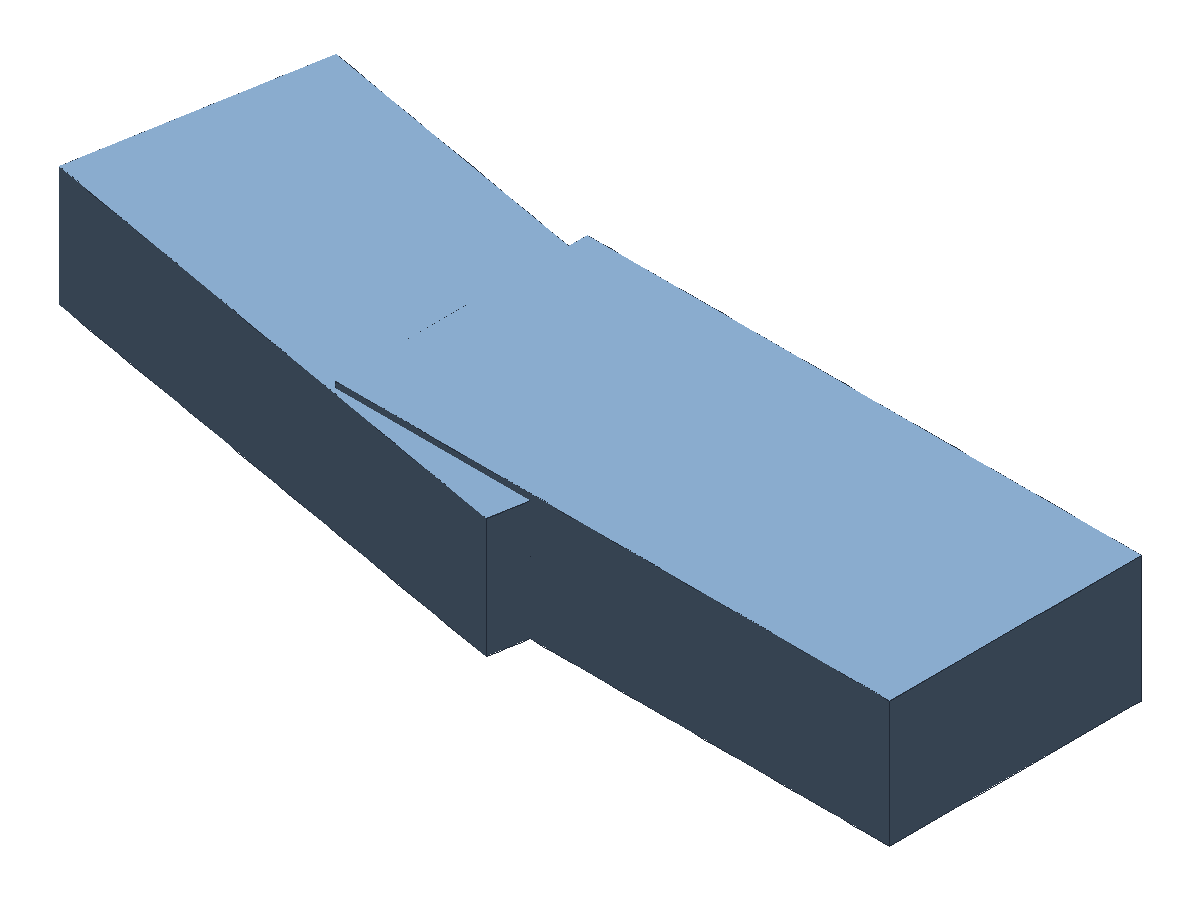
ts
const examplePart = part("example-move-body", [
  extrude("base", profileRect(44, 20), 10, "body:base"),
  moveBody(
    "move-1",
    selectorNamed("body:base"),
    "body:moved",
    ["base"],
    {
      translation: [26, 0, 0],
      rotationAxis: "+Z",
      rotationAngle: Math.PI / 18,
      scale: 0.95,
      origin: [0, 0, 0],
    }
  ),
  booleanOp(
    "union-1",
    "union",
    selectorNamed("body:base"),
    selectorNamed("body:moved"),
    "body:main"
  ),
]);
Notes:
moveBodykeeps the source output and writes a transformed copy toresult.- Translation, rotation, and scale can be combined in a single feature.
Delete Face
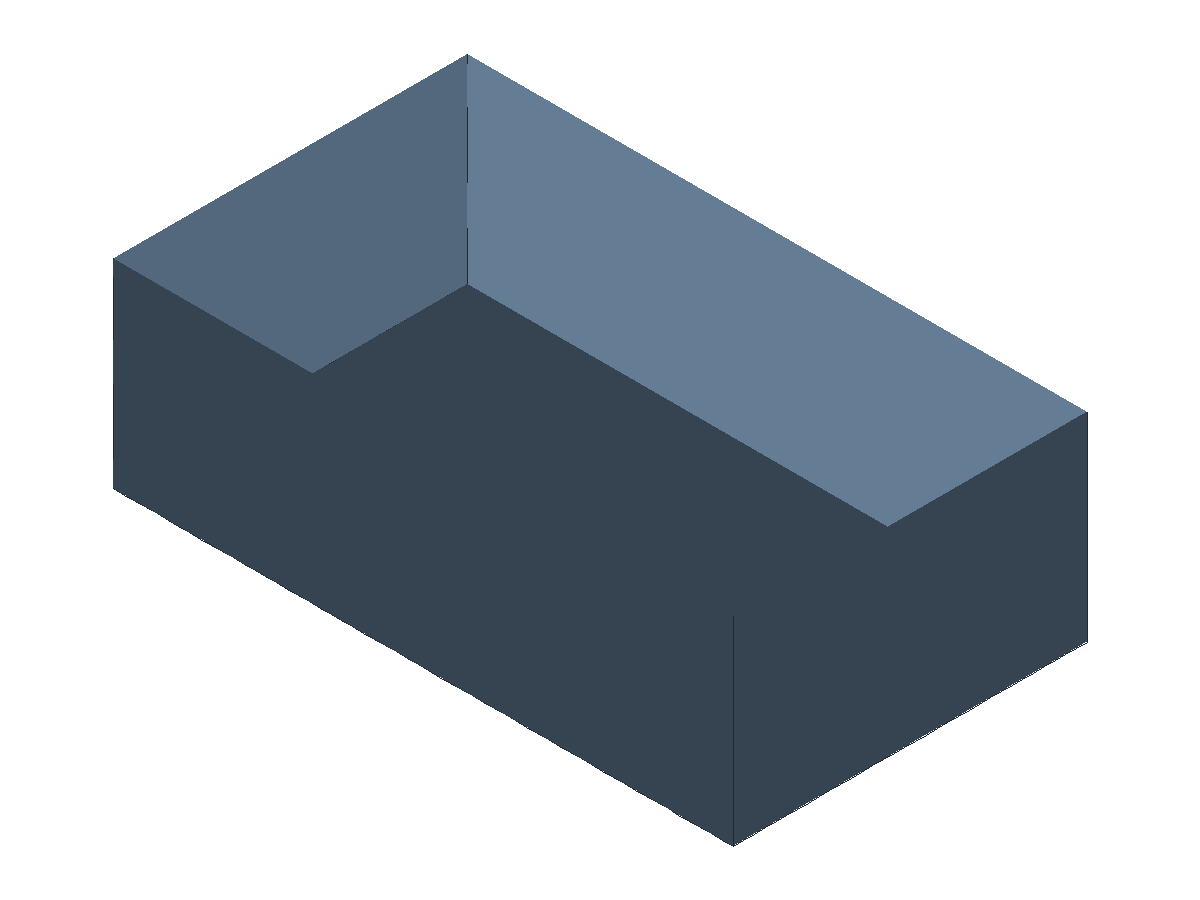
ts
const examplePart = part("example-delete-face", [
  extrude("base", profileRect(56, 32), 18, "body:base"),
  deleteFace(
    "delete-top",
    selectorNamed("body:base"),
    selectorFace([predCreatedBy("base"), predPlanar()], [rankMaxZ()]),
    "surface:main",
    ["base"],
    { heal: false }
  ),
]);
Notes:
deleteFace(..., { heal: false })keeps an opened shell/surface result.- Delete face is stable and should still be validated on target geometries with complex topology.
Replace Face
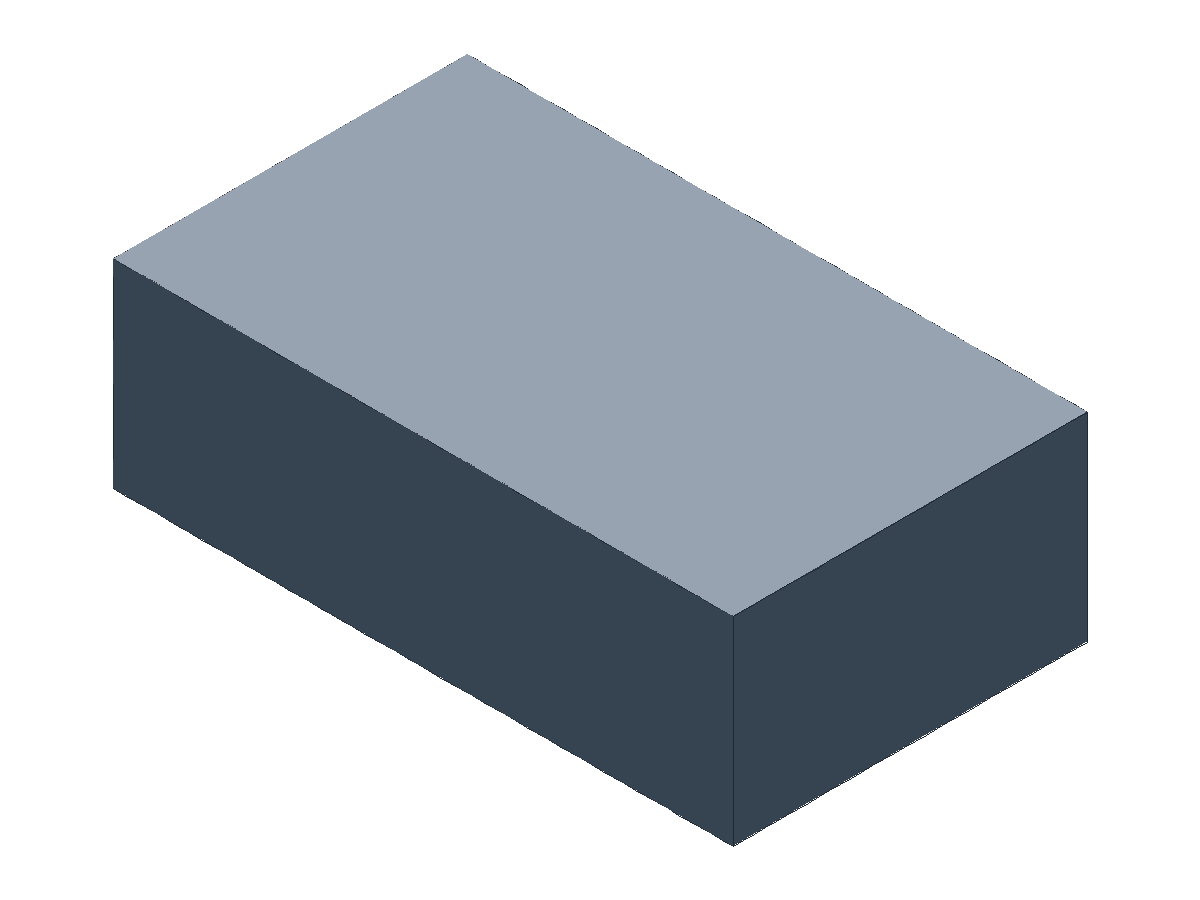
ts
const examplePart = part("example-replace-face", [
  extrude("base", profileRect(56, 32), 18, "body:base"),
  plane("replace-tool", 56, 32, "surface:tool", {
    origin: [0, 0, 18],
    deps: ["base"],
  }),
  replaceFace(
    "replace-top",
    selectorNamed("body:base"),
    selectorFace([predCreatedBy("base"), predPlanar()], [rankMaxZ()]),
    selectorNamed("surface:tool"),
    "body:main",
    ["base", "replace-tool"],
    { heal: true }
  ),
]);
Notes:
replaceFaceswaps selected source faces using tool face/surface geometry.- Replace face is stable and currently optimized for core matching-face workflows.
Move Face
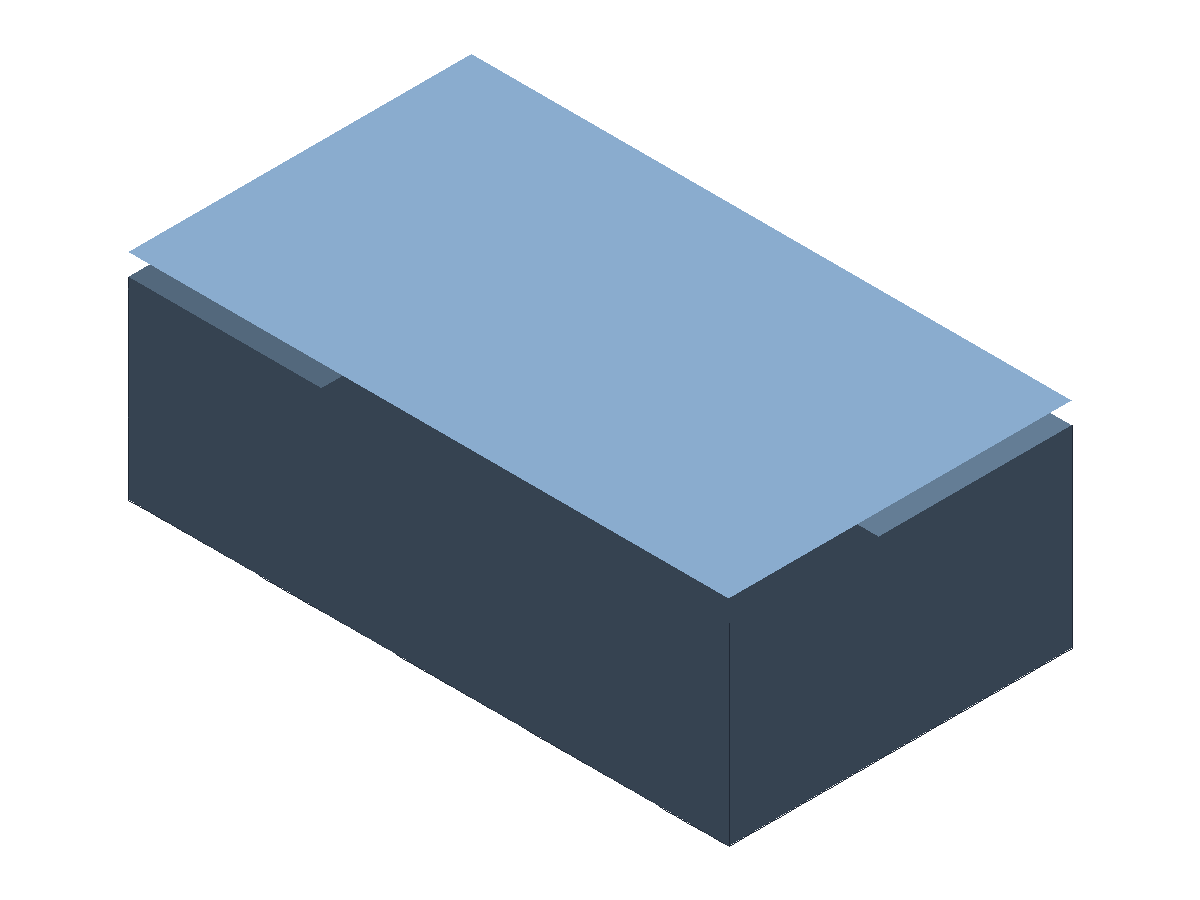
ts
const examplePart = part("example-move-face", [
  extrude("base", profileRect(56, 32), 18, "body:base"),
  moveFace(
    "move-top",
    selectorNamed("body:base"),
    selectorFace([predCreatedBy("base"), predPlanar()], [rankMaxZ()]),
    "surface:main",
    ["base"],
    {
      translation: [0, 0, 2],
      heal: false,
    }
  ),
]);
Notes:
moveFaceapplies transform controls to selected faces on a source solid.heal: falsekeeps an open shell/surface result;heal: trueattempts to keep a closed solid.- Move face is stable and should be validated on target geometries.
Draft
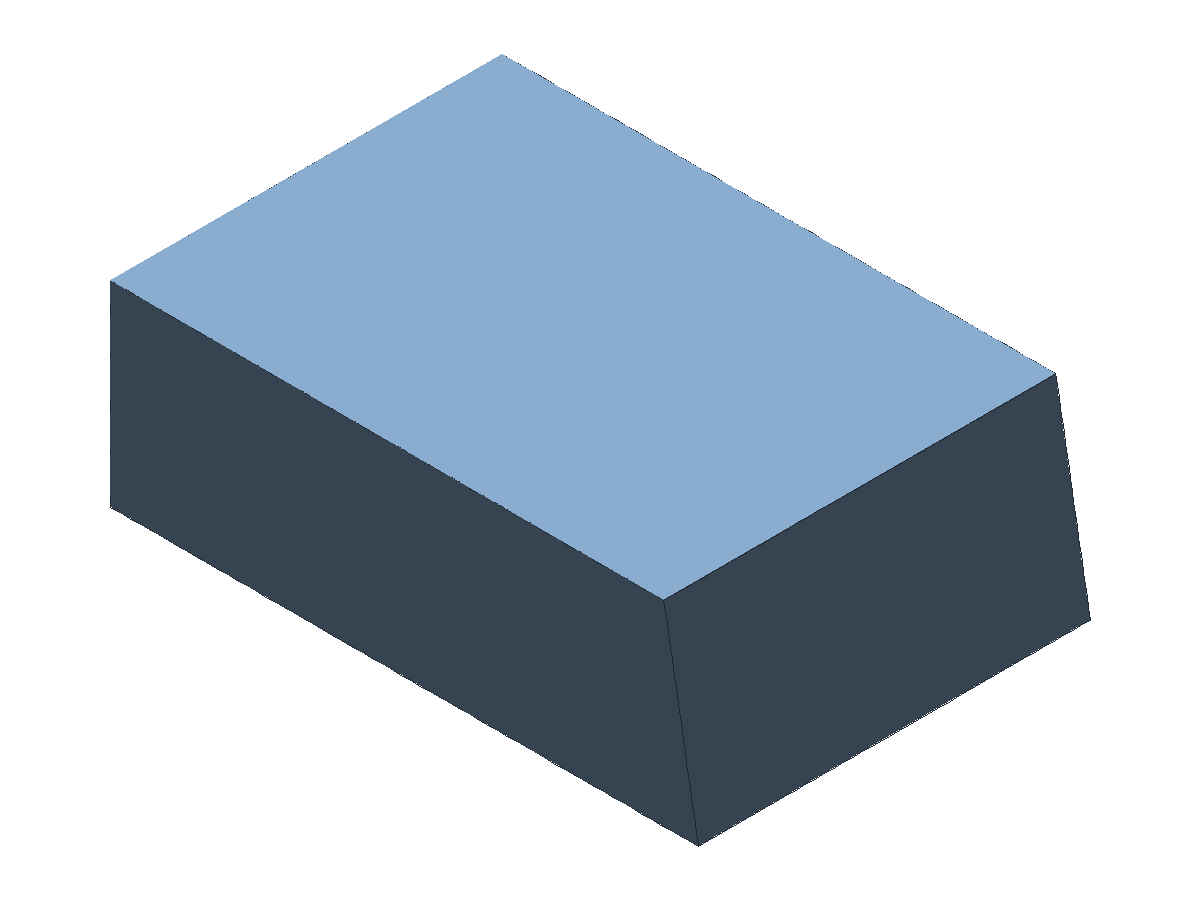
ts
const examplePart = part("example-draft", [
  extrude("base", profileRect(60, 40), 20, "body:base"),
  datumPlane("draft-neutral", "+Z"),
  draft(
    "draft-1",
    selectorNamed("body:base"),
    selectorFace([
      predCreatedBy("base"),
      predPlanar(),
      predNormal("+X"),
    ]),
    planeDatum("draft-neutral"),
    "+Z",
    Math.PI / 60,
    "body:main"
  ),
]);
Notes:
draftis stable in the runtime stage registry.- Use
neutralPlane+pullDirectionexplicitly; avoid relying on implicit model orientation.
Thicken
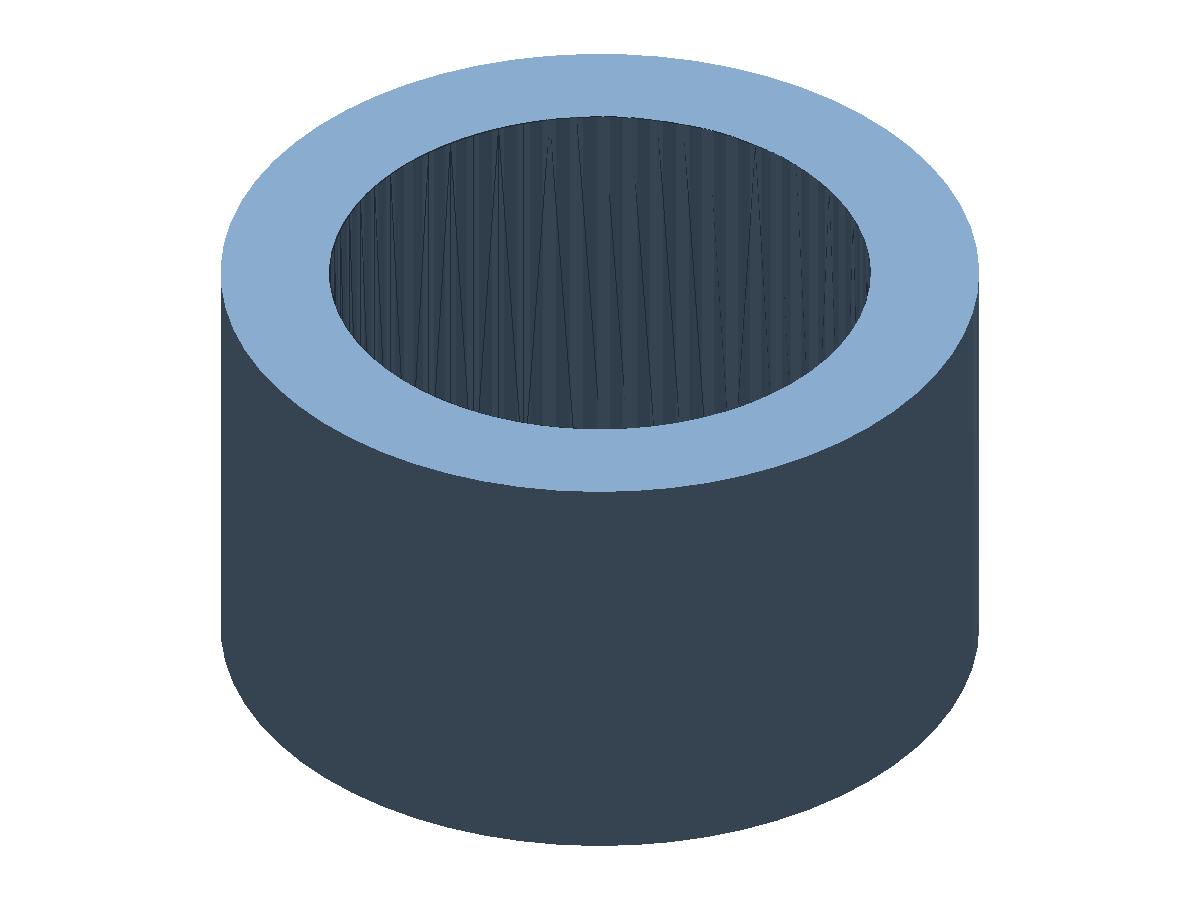
ts
const line = sketchLine("line-1", [10, 0], [10, 16]);
const sketch = sketch2d(
  "sketch-thicken",
  [{ name: "profile:open", profile: profileSketchLoop(["line-1"], { open: true }) }],
  { plane: planeDatum("sketch-plane"), entities: [line] }
);

const examplePart = part("example-thicken", [
  datumPlane("sketch-plane", "+Y"),
  sketch,
  revolve(
    "surface-revolve",
    profileRef("profile:open"),
    "+Z",
    "full",
    "surface:main",
    { mode: "surface" }
  ),
  thicken("thicken-1", selectorNamed("surface:main"), 4, "body:main"),
]);
Notes:
thickenturns a face or surface into a solid by offsetting it.thickensupports planar faces and can offset curved faces (including open curved surfaces such as cylinders).- Use
{ direction: "reverse" }to thicken opposite the face normal. - For thin-walled solids built from a closed solid, use
shellinstead.
Unwrap (Box Net)
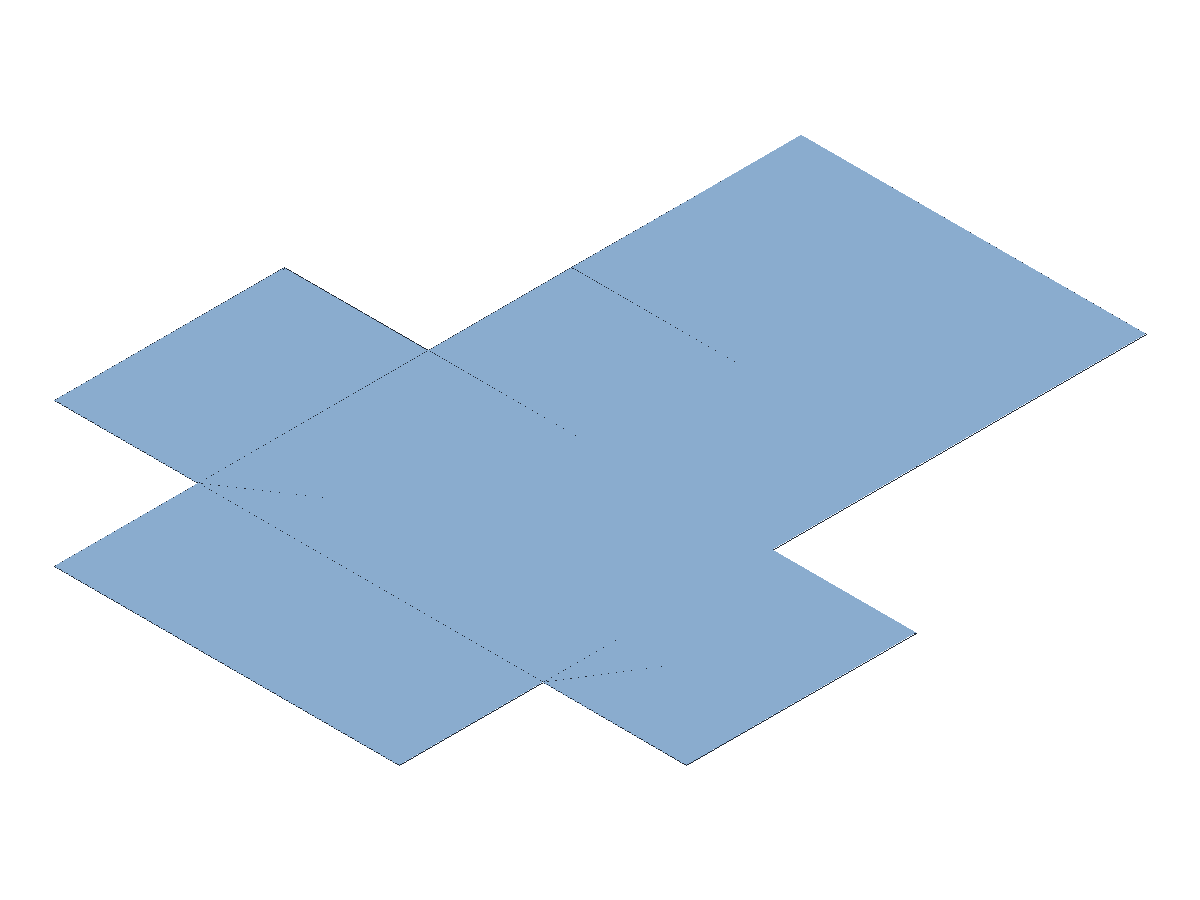
ts
const examplePart = part("example-unwrap-box", [
  extrude("base", profileRect(48, 32), 20, "body:main"),
  unwrap("unwrap-1", selectorNamed("body:main"), "surface:flat"),
]);
Notes:
- In strict mode, axis-aligned cuboids produce a deterministic representative net.
- This example renders with a transparent background to match docs styling.
- For broader solid classes, set
unwrap(..., ..., ..., ..., { mode: "experimental" }).
Hole
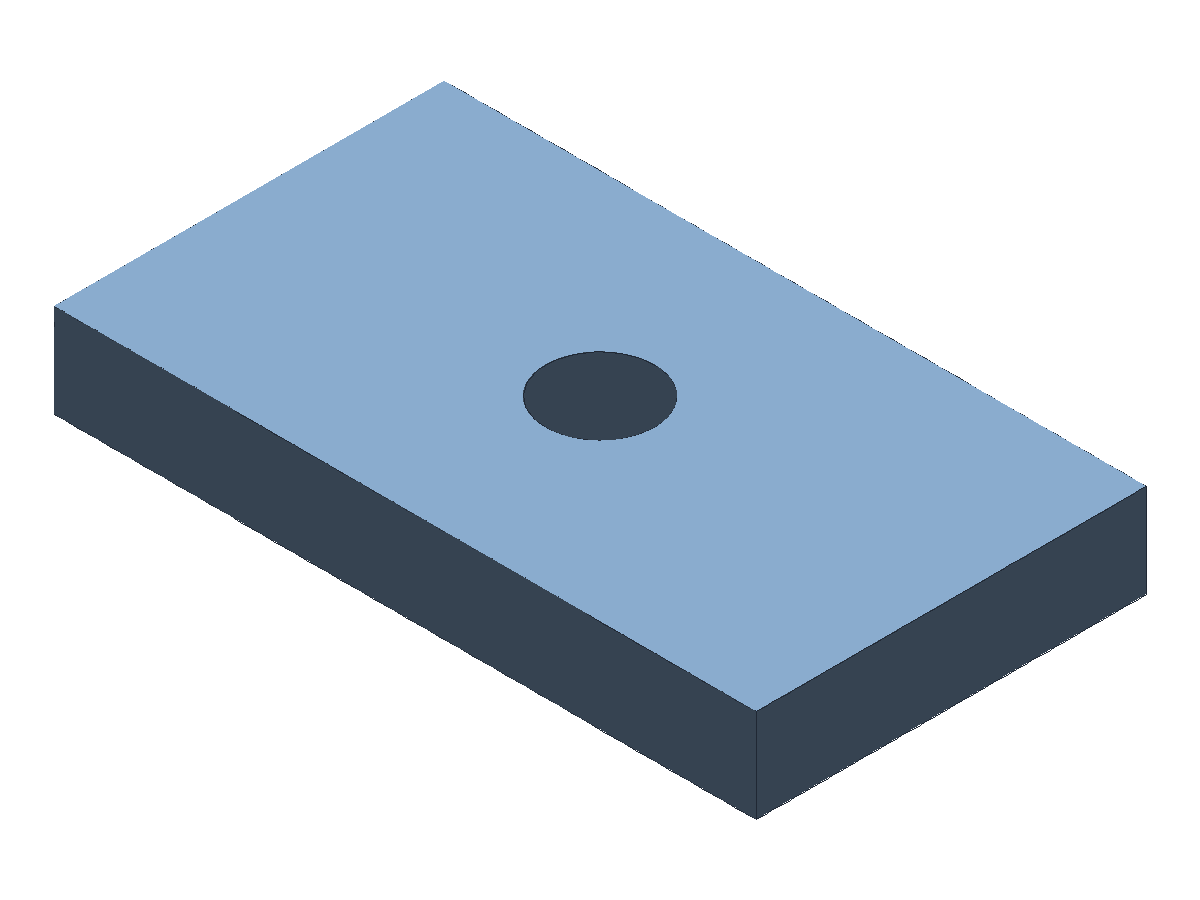
ts
const examplePart = part("example-hole", [
  extrude("base", profileRect(90, 50), 12, "body:main"),
  hole(
    "hole-1",
    selectorFace([predPlanar()], [rankMaxZ()]),
    "-Z",
    14,
    "throughAll",
    { deps: ["base"] }
  ),
]);
Counterbores and countersinks are optional via counterbore / countersink in the options object (they are mutually exclusive). countersink.angle uses radians; use exprLiteral(82, "deg") if you prefer degrees.
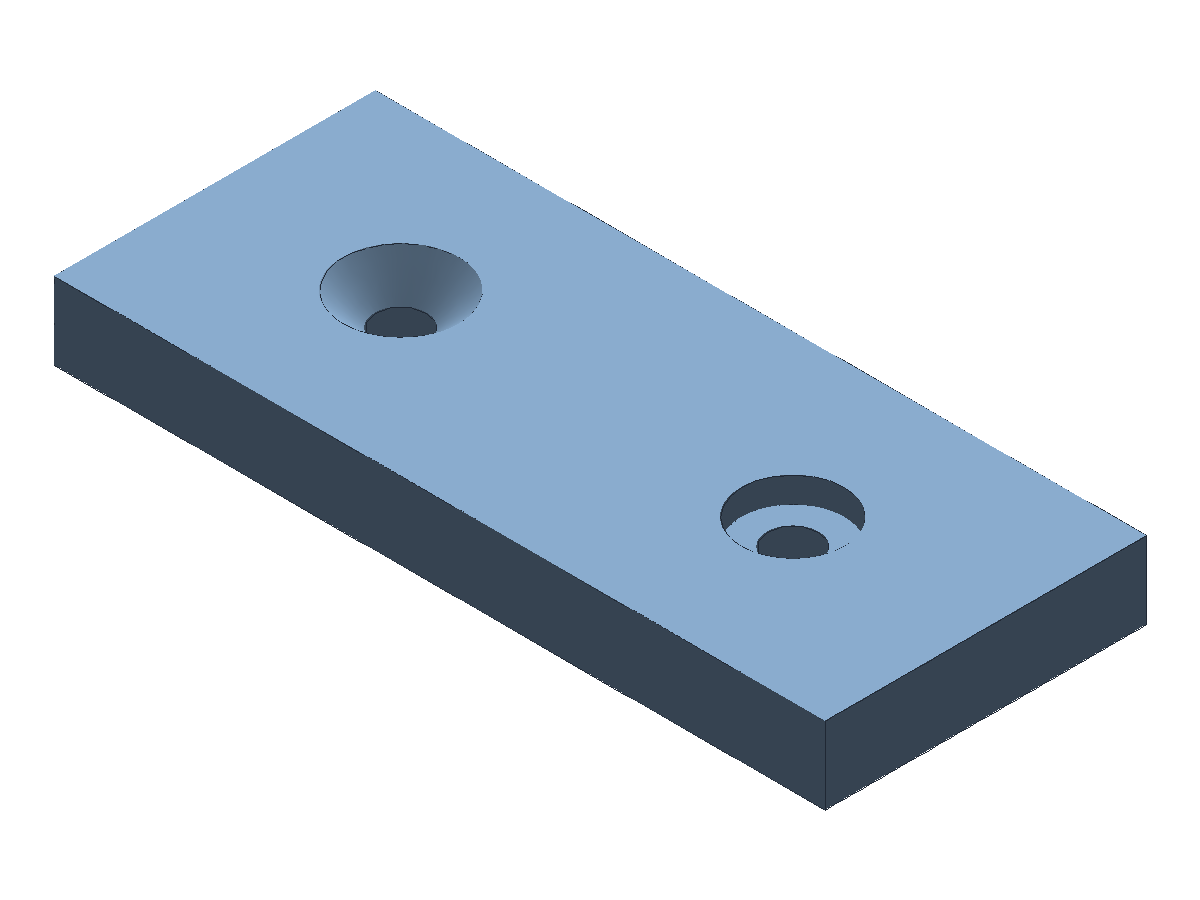
ts
const examplePart = part("example-hole-advanced", [
  extrude("base", profileRect(120, 50), 12, "body:main"),
  hole(
    "hole-counterbore",
    selectorFace([predPlanar()], [rankMaxZ()]),
    "-Z",
    8,
    "throughAll",
    {
      counterbore: { diameter: 16, depth: 4 },
      position: [-30, 0],
      deps: ["base"],
    }
  ),
  hole(
    "hole-countersink",
    selectorFace([predPlanar()], [rankMaxZ()]),
    "-Z",
    8,
    "throughAll",
    {
      countersink: { diameter: 18, angle: Math.PI / 2 },
      position: [30, 0],
      deps: ["hole-counterbore"],
    }
  ),
]);
Fillet
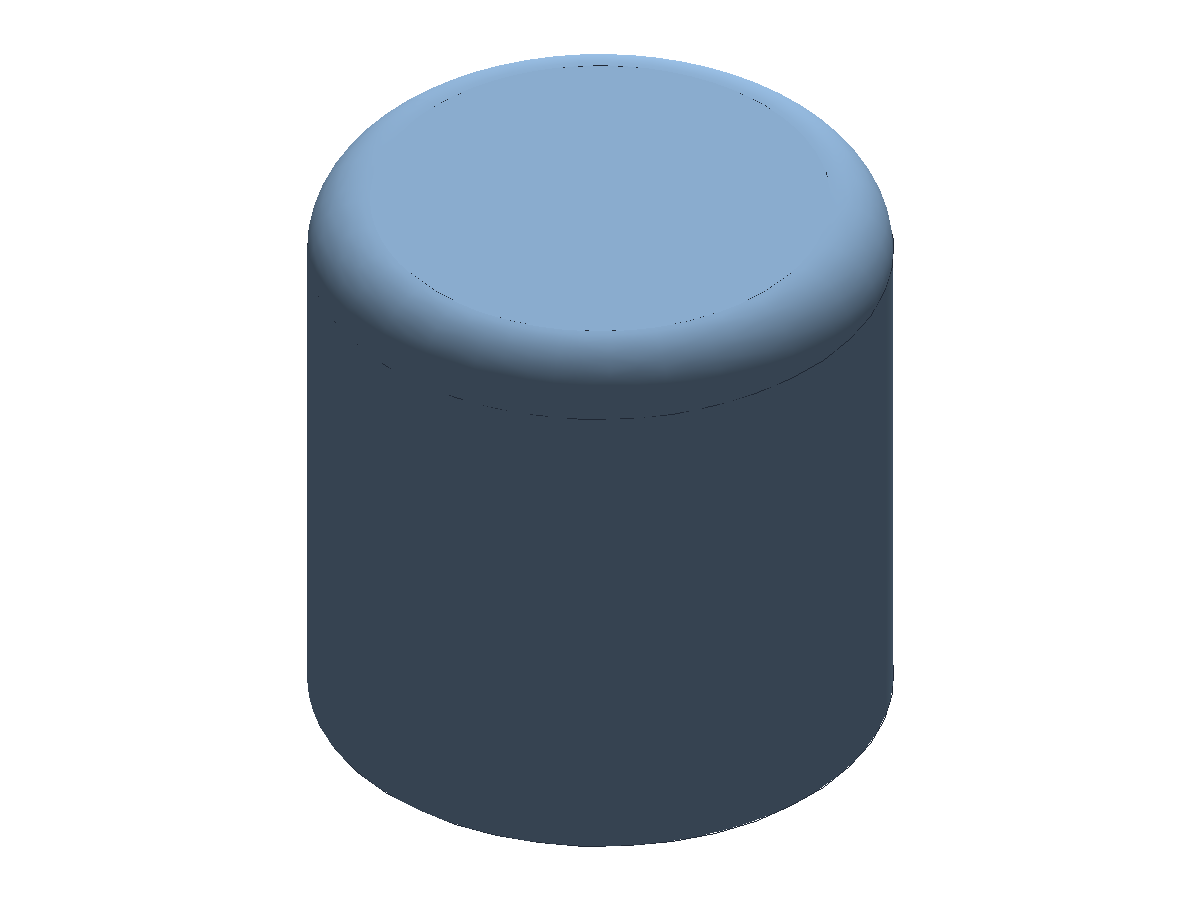
ts
const examplePart = part("example-fillet", [
  extrude("cyl", profileCircle(14), 28, "body:main"),
  fillet(
    "edge-fillet",
    selectorEdge([predCreatedBy("cyl")], [rankMaxZ()]),
    3,
    ["cyl"]
  ),
]);
Notes:
- Smooth fillet transitions are included in default B-Rep wireframe extraction.
Variable Fillet
ts
const examplePart = part("example-variable-fillet", [
  extrude("base", profileCircle(12), 16, "body:main"),
  variableFillet(
    "fillet-var",
    selectorNamed("body:main"),
    [
      { edge: selectorEdge([predCreatedBy("base")], [rankMaxZ()]), radius: 1.8 },
      { edge: selectorEdge([predCreatedBy("base")], [rankMinZ()]), radius: 0.9 },
    ],
    "body:filleted",
    ["base"]
  ),
]);
Notes:
variableFilletapplies per-entry radii to selected edge sets on one source body.- Validate entry selectors/radii on your target edge/corner blends.
Chamfer
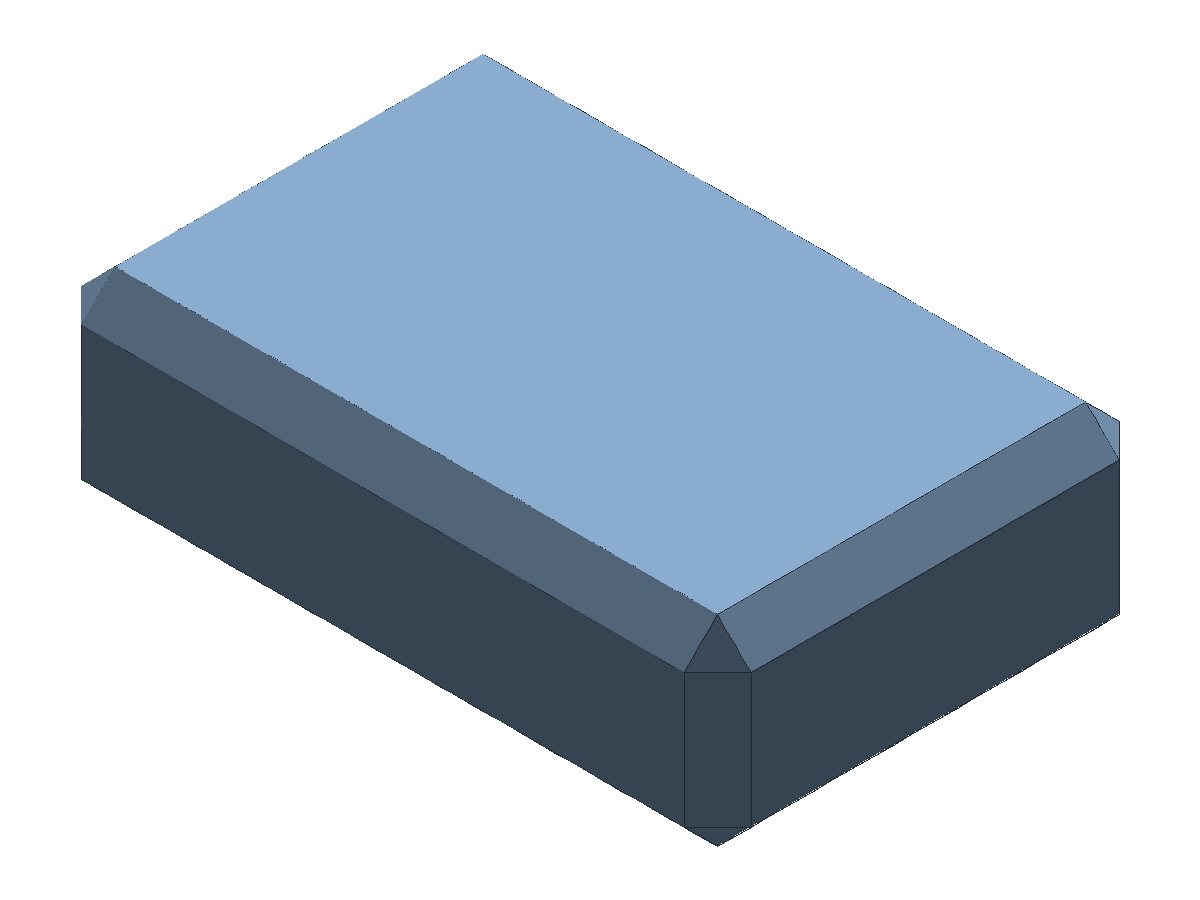
ts
const examplePart = part("example-chamfer", [
  extrude("block", profileRect(40, 26), 12, "body:main"),
  chamfer(
    "edge-chamfer",
    selectorEdge([predCreatedBy("block")]),
    2,
    ["block"]
  ),
]);
Variable Chamfer
ts
const examplePart = part("example-variable-chamfer", [
  extrude("base", profileCircle(12), 16, "body:main"),
  variableChamfer(
    "chamfer-var",
    selectorNamed("body:main"),
    [
      { edge: selectorEdge([predCreatedBy("base")], [rankMaxZ()]), distance: 1.2 },
      { edge: selectorEdge([predCreatedBy("base")], [rankMinZ()]), distance: 0.6 },
    ],
    "body:chamfered",
    ["base"]
  ),
]);
Notes:
variableChamferapplies per-entry distances to selected edge sets on one source body.- Validate entry selectors/distances on your target edge/corner blends.
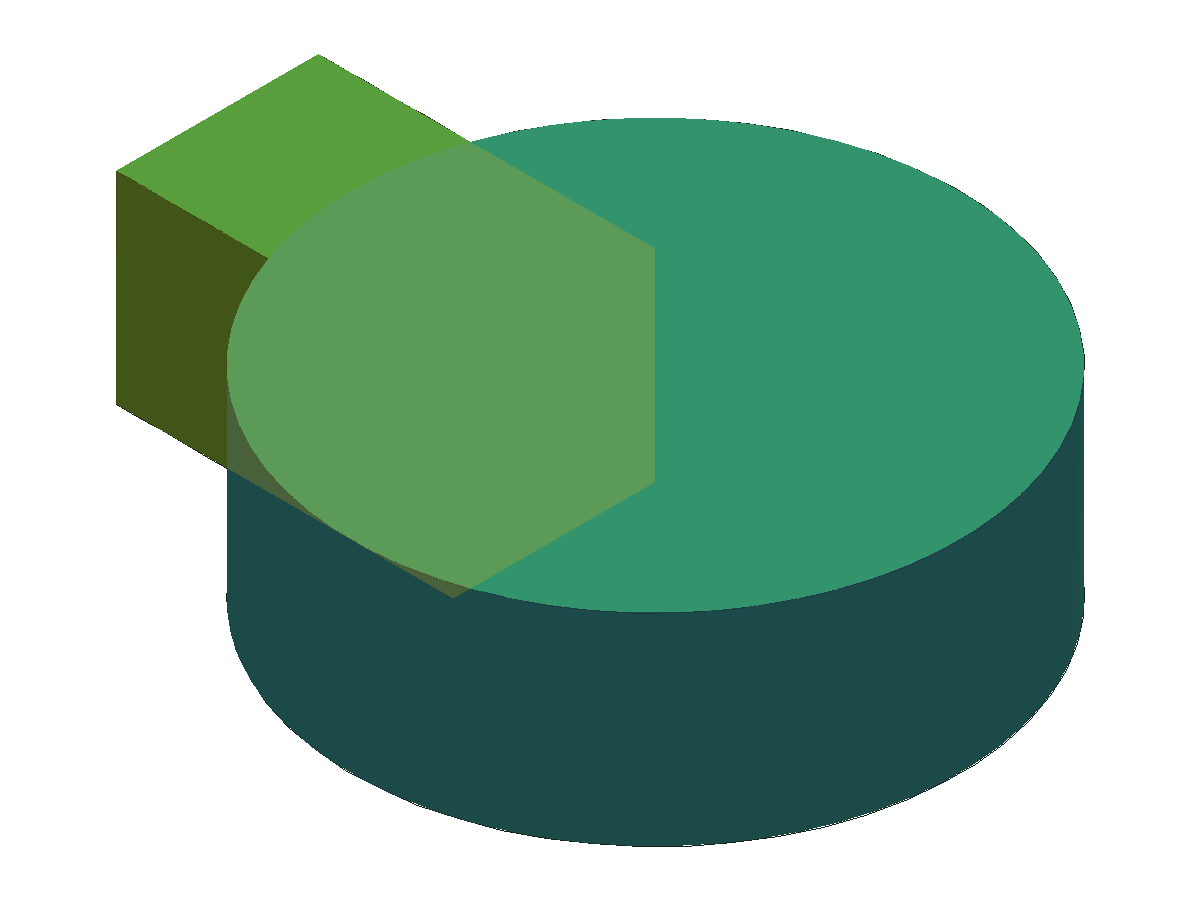
Boolean Union
ts
const examplePart = part("example-boolean", [
  extrude("base", profileCircle(18), 12, "body:base"),
  extrude("tool", profileRect(20, 12, [16, 0, 0]), 12, "body:tool"),
  booleanOp(
    "union-1",
    "union",
    selectorNamed("body:base"),
    selectorNamed("body:tool"),
    "body:main",
    ["base", "tool"]
  ),
]);
Notes:
- The docs renderer overlays the original inputs in translucent blue and amber so the green union result reads as the combined output volume.
Boolean Subtract
ts
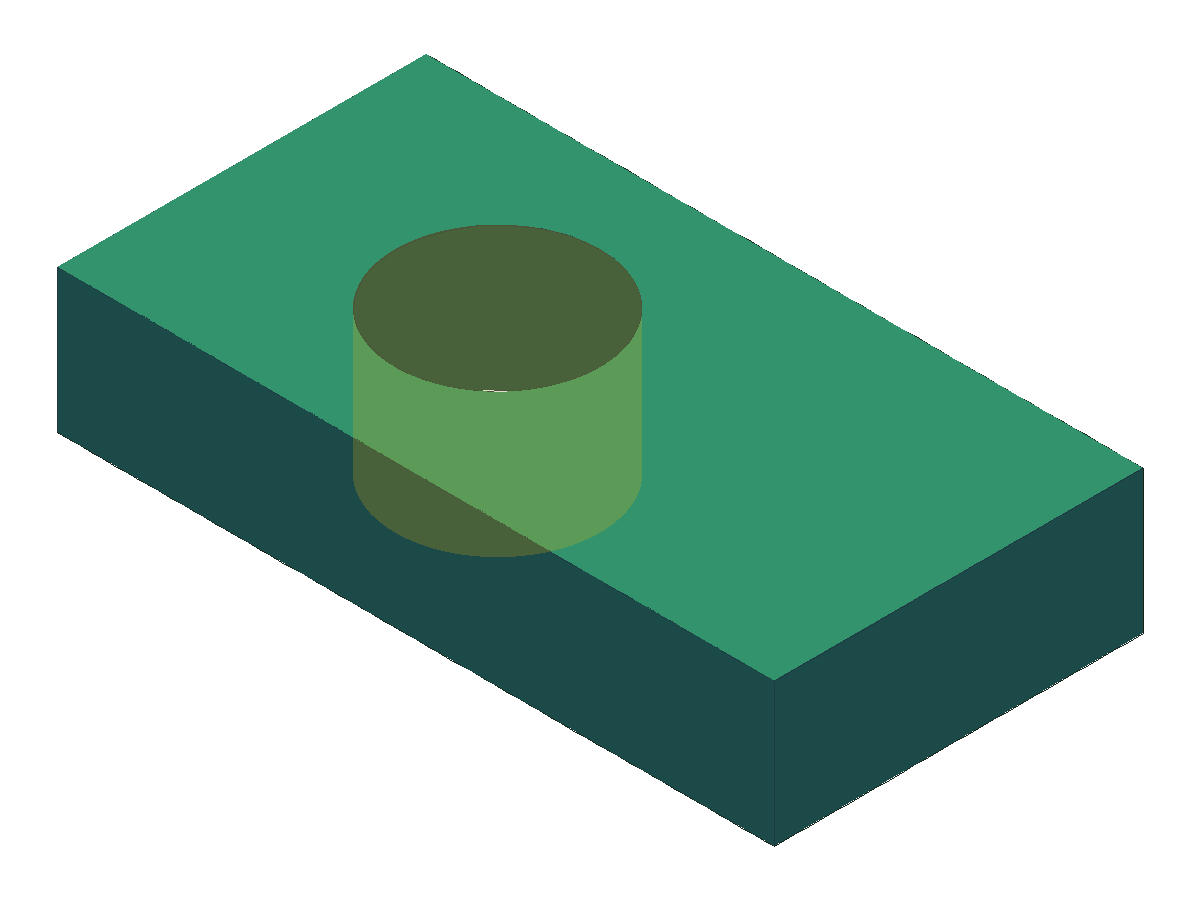
const examplePart = part("example-boolean-cut", [
  extrude("base", profileRect(70, 36), 14, "body:base"),
  extrude("tool", profileCircle(10, [10, 0, 0]), 14, "body:tool"),
  cut("subtract-1", selectorNamed("body:base"), selectorNamed("body:tool"), "body:main"),
]);
Notes:
- The docs renderer keeps the source plate and subtracting tool as translucent overlays so the green subtract result and removed volume stay legible at a glance.
Boolean Intersect
ts
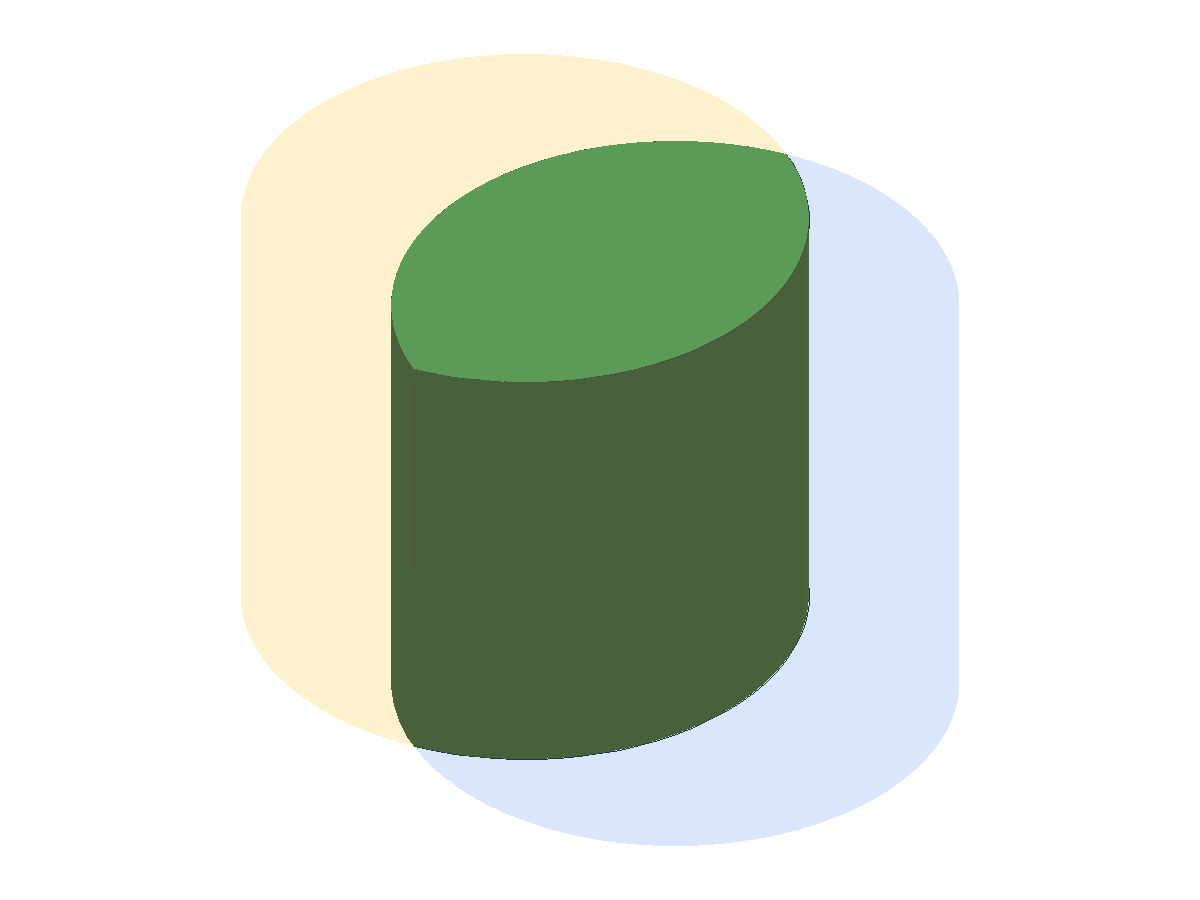
const examplePart = part("example-boolean-intersect", [
  extrude("a", profileCircle(16), 26, "body:a"),
  extrude("b", profileCircle(16, [12, 0, 0]), 26, "body:b"),
  intersect("intersect-1", selectorNamed("body:a"), selectorNamed("body:b"), "body:main"),
]);
Notes:
- The docs renderer overlays the original inputs in translucent blue and amber so the green intersection result stays readable without mesh-striping artifacts.
Pattern (Feature/Body)
ts
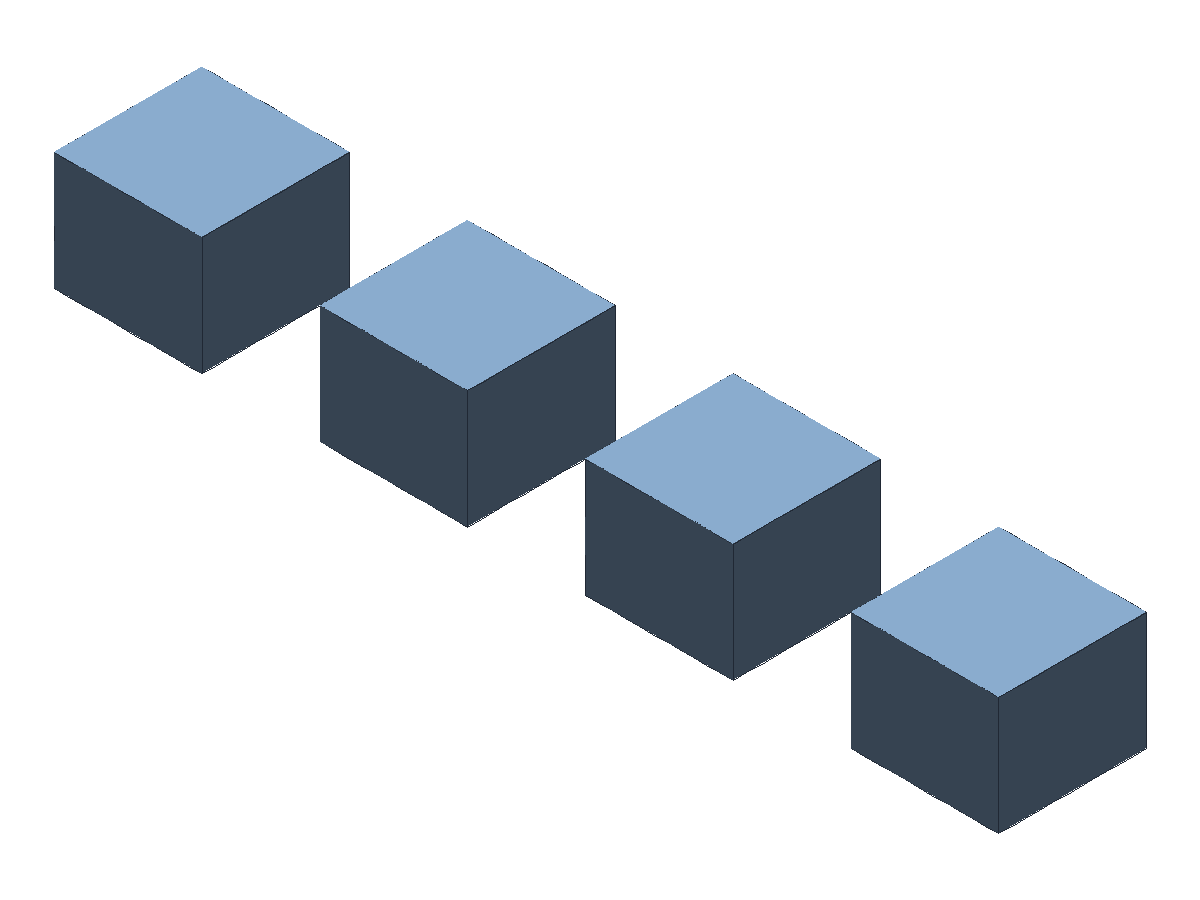
const examplePart = part("example-pattern", [
  extrude("seed", profileRect(10, 10), 8, "body:seed"),
  patternLinear(
    "pattern-1",
    selectorFace([predCreatedBy("seed"), predPlanar(), predNormal("+Z")], [rankMaxZ()]),
    [18, 0],
    [4, 1],
    {
      source: selectorNamed("body:seed"),
      result: "body:main",
      deps: ["seed"],
    }
  ),
]);
Pattern (Circular)
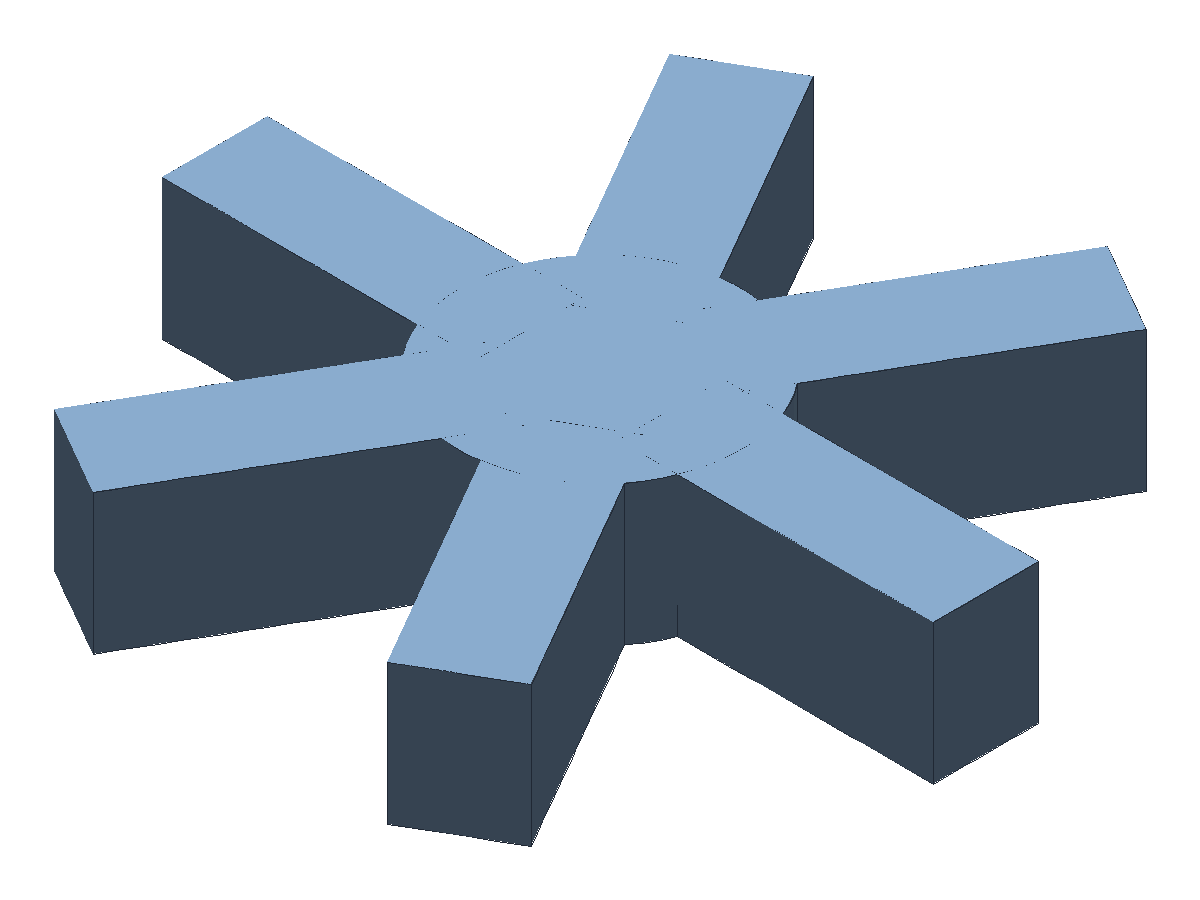
ts
const examplePart = part("example-pattern-circular", [
  extrude("center", profileCircle(8), 8, "body:center"),
  extrude("seed", profileRect(18, 6, [13, 0, 0]), 8, "body:seed"),
  patternCircular(
    "pattern-circular-1",
    selectorFace([predCreatedBy("center"), predPlanar(), predNormal("+Z")], [rankMaxZ()]),
    "+Z",
    6,
    {
      source: selectorNamed("body:seed"),
      result: "body:pattern",
      deps: ["center", "seed"],
    }
  ),
  booleanOp(
    "pattern-circular-union",
    "union",
    selectorNamed("body:center"),
    selectorNamed("body:pattern"),
    "body:main"
  ),
]);
Notes:
- The pattern origin should come from a separate center reference (not the seed), otherwise instances rotate in place and overlap.